
Bangs Filter - Try Bangs on Your Photo Before You Cut
Upload a front-facing photo to try bangs online, compare curtain and wispy fringe, and save a salon reference before cutting.
Upload a Photo for Your Bangs Preview
Upload Your Selfie
Use a clear, front-facing photo so the bangs filter can show how a fringe changes your forehead, eyebrow area, and overall face framing.
Supported: JPG, PNG, WEBP • Max size: 10MB
Best photo tips for a more realistic bangs preview:
- Use a front-facing selfie with your forehead and eyebrows visible
- Choose even lighting so the fringe line and face framing stay clear
- Keep your hairline visible without hats, heavy filters, or deep shadows
- Avoid strong side angles because bangs are easiest to judge from the front
Choose the Bangs Style to Preview
Start with the fringe type you are seriously considering, then compare a softer or fuller option on the same photo.

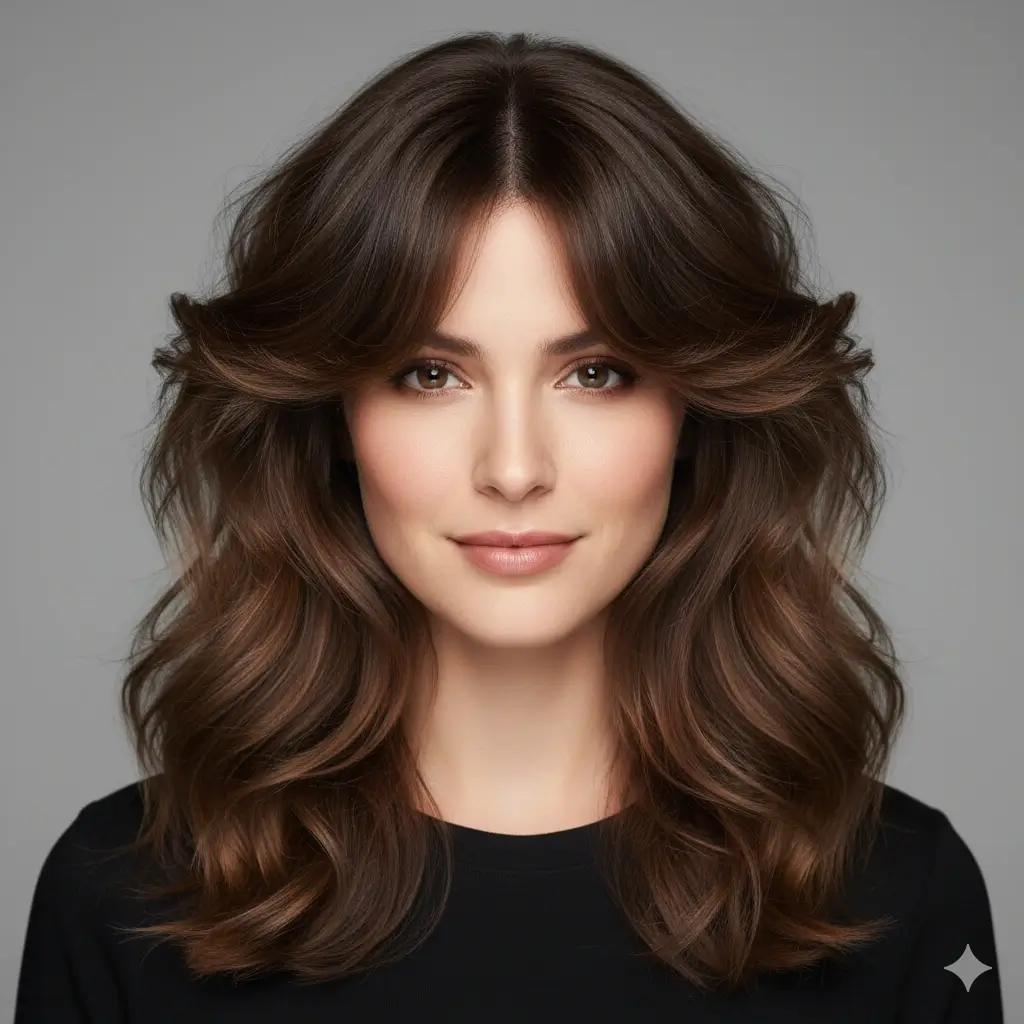
Preview Color with the Bangs
Optional: keep your current color or see whether a fringe works better with a lighter or darker finish.
Your bangs filter setup:
Loading credits...
Each bangs preview costs 2 credits
Bangs Filter Examples for a Safer Fringe Decision
Compare forehead coverage, softness, and side movement on the same photo before choosing a fringe.
Example bangs previews to compare
| Goal | Preview | Best for |
|---|---|---|
| Curtain bangs | Soft face-framing preview | A lower-risk first fringe test |
| Full blunt bangs | Heavier forehead-covering preview | Checking a bold fringe |
| Side-swept fringe | Angled fringe with movement | A softer option |
Before you generate
Photo setup
- Face and hairline are visible
- Use even lighting
- Compare with the same photo
Style choice
- Start with the biggest change
- Compare one safer option
- Save the closest reference
Accuracy and limits
A bangs preview helps you judge face framing, but real fringe still depends on cowlicks, density, humidity, and daily styling.
Why People Search for a Bangs Filter
Bangs change your forehead exposure, eyebrow line, cheek framing, and how your whole haircut feels. People do not search this term for inspiration only. They want to know whether bangs will suit their own face before they cut.
See Bangs on Your Own Face
A model photo cannot tell you how a fringe changes your forehead, brow area, cheek balance, or eye focus. This bangs filter puts the decision on your own face.
Reduce Regret Before You Cut a Fringe
Bangs can look great, but they are one of the hardest hairstyle changes to judge in advance. A preview helps you compare before committing real length.
Create a Better Salon Reference
A saved result helps you explain whether you want curtain bangs, a fuller blunt fringe, or a softer side-swept direction when you talk to a stylist.
Bangs Preview Examples to Compare First
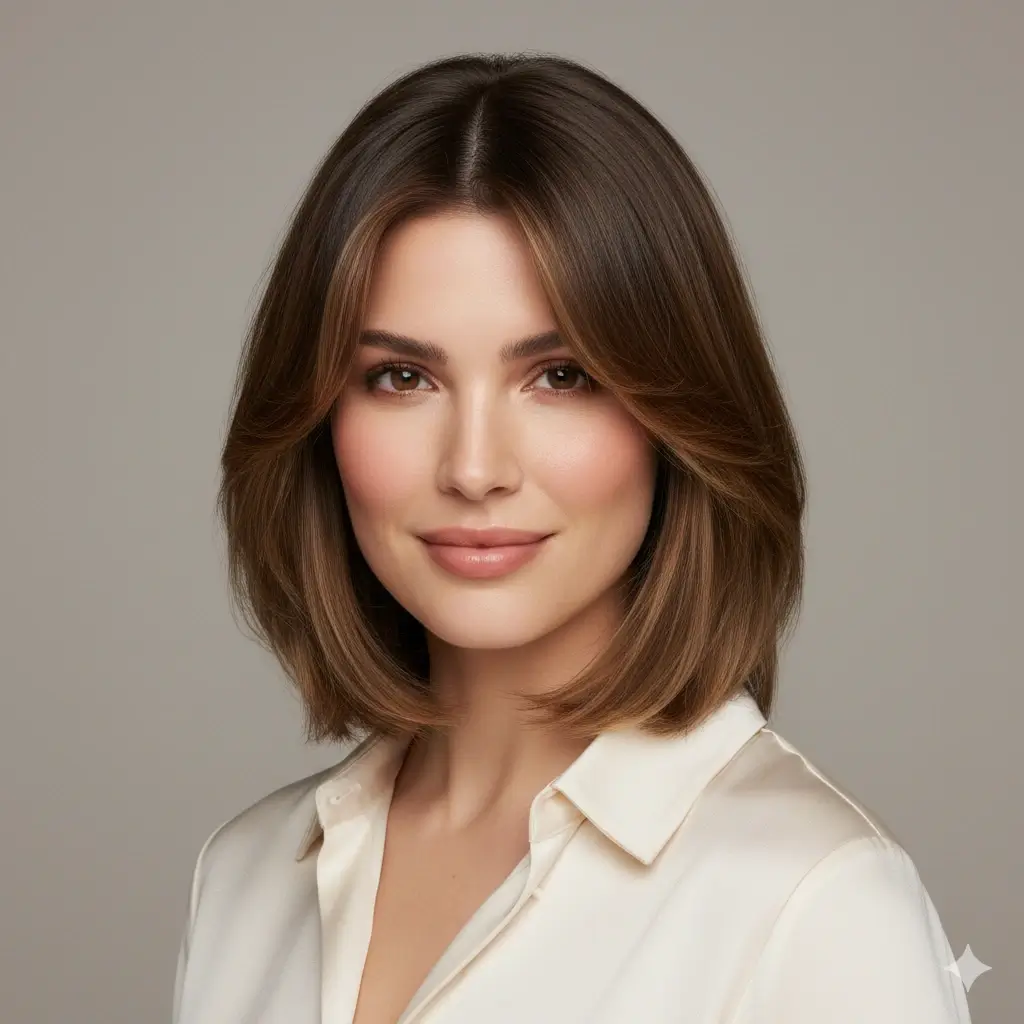
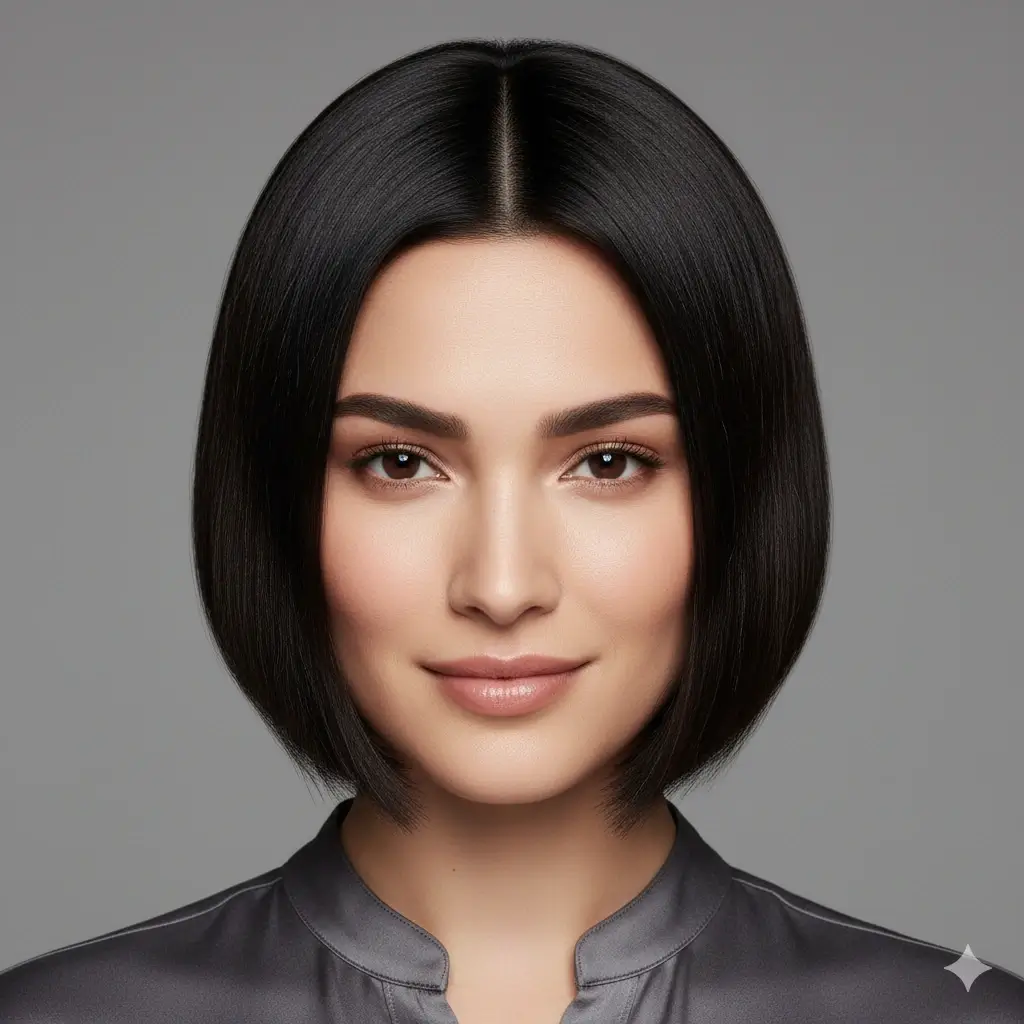
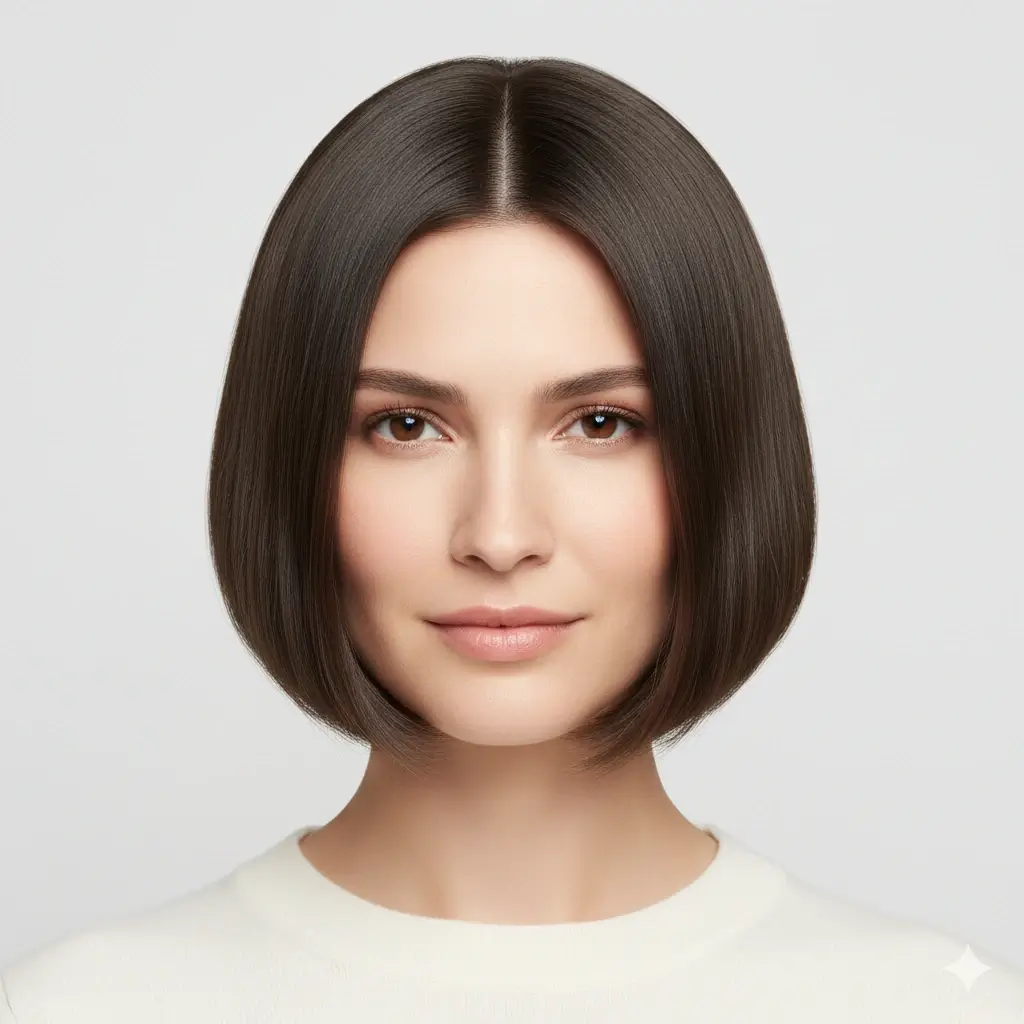
These examples focus on the biggest fringe decisions: softer curtain bangs, fuller straight-across bangs, and lighter side-swept framing.
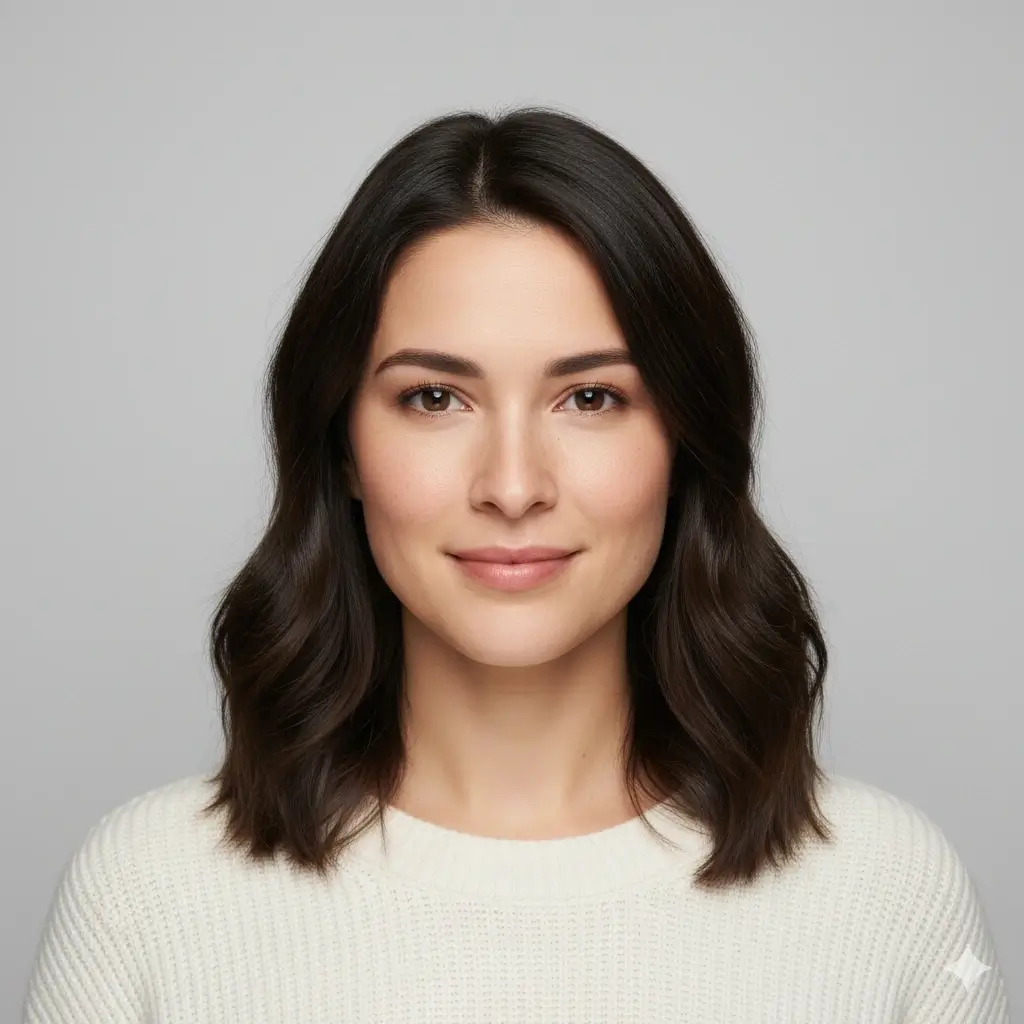
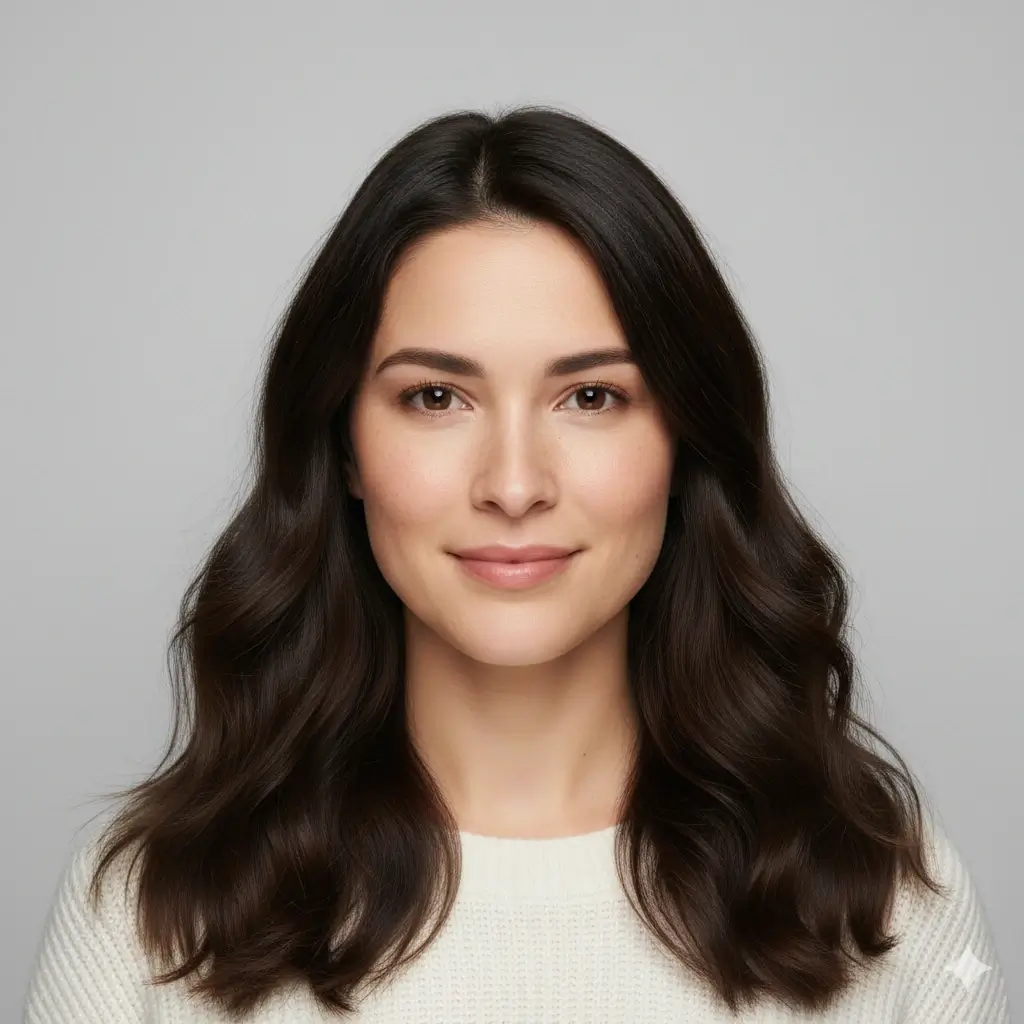
Curtain Bangs Preview
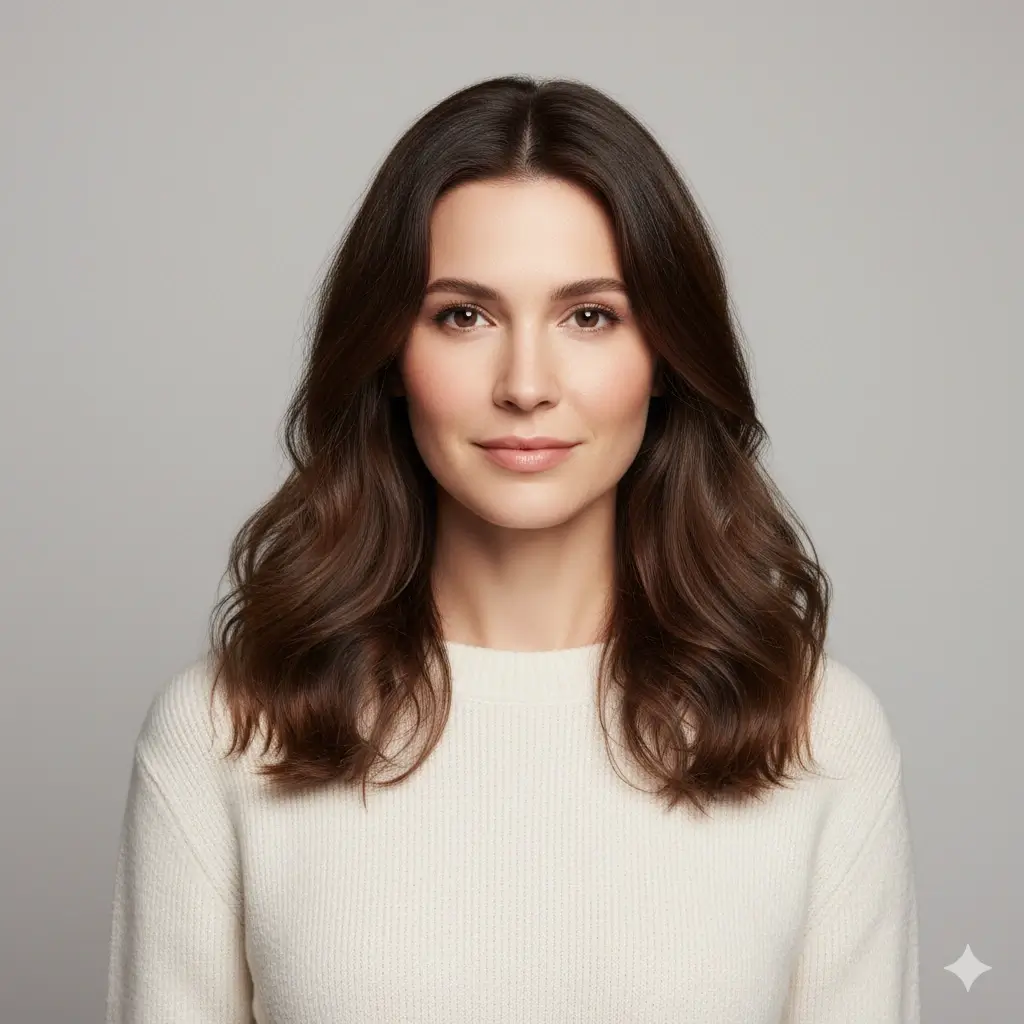
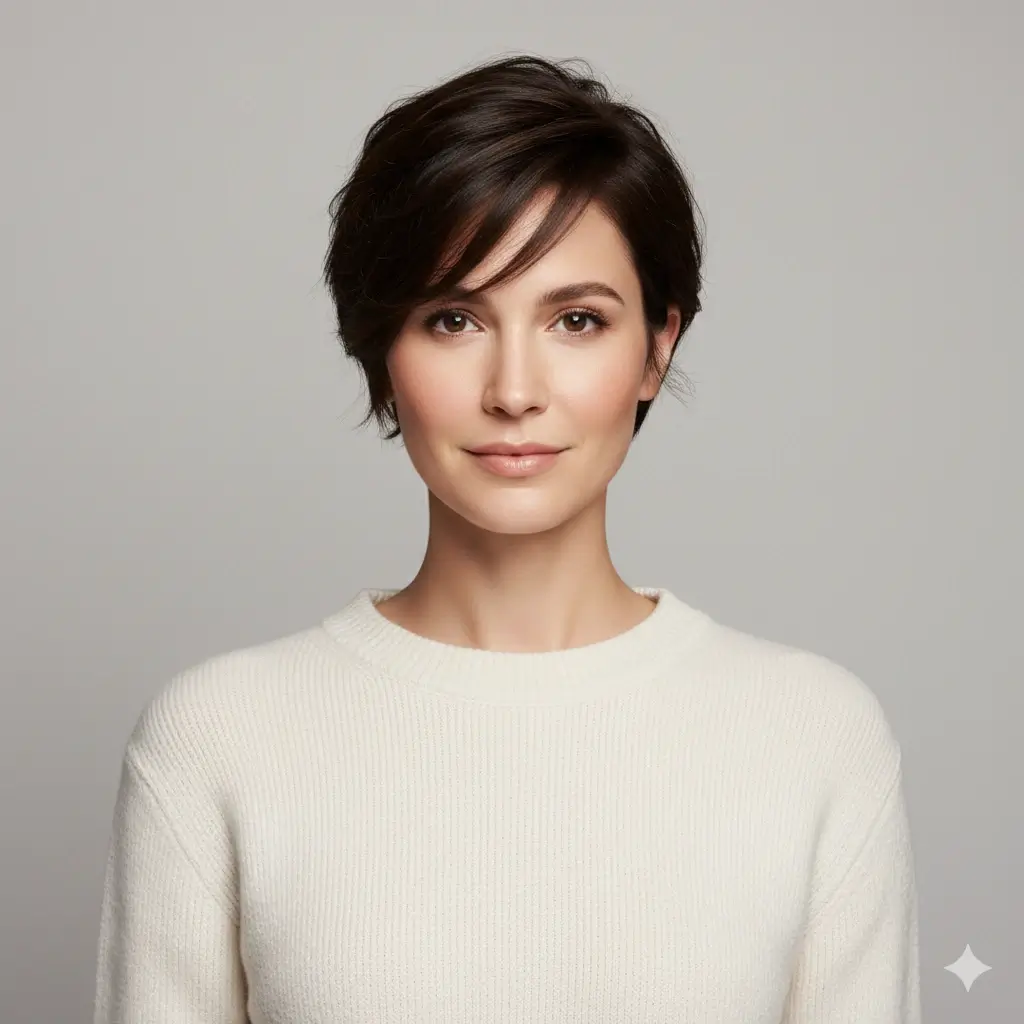
Soft Fringe Direction


Side-Swept Fringe
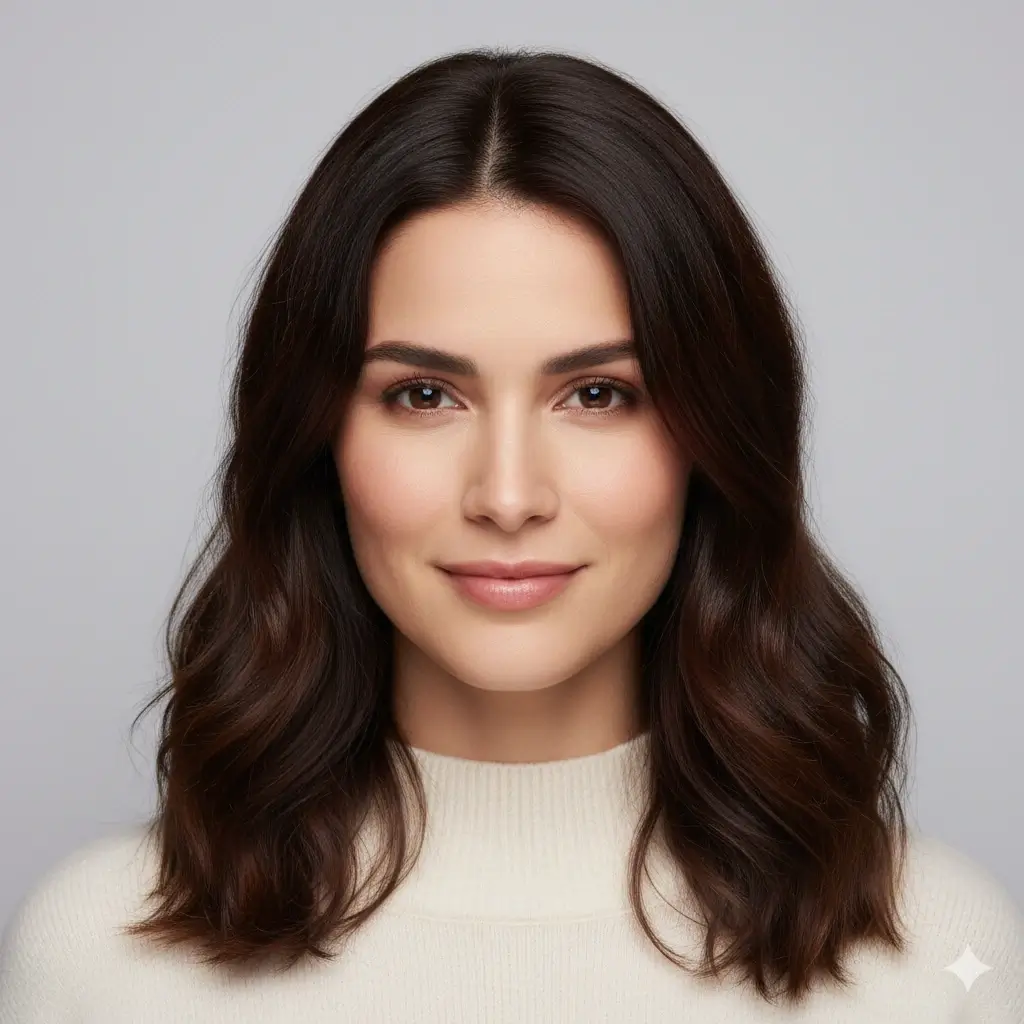
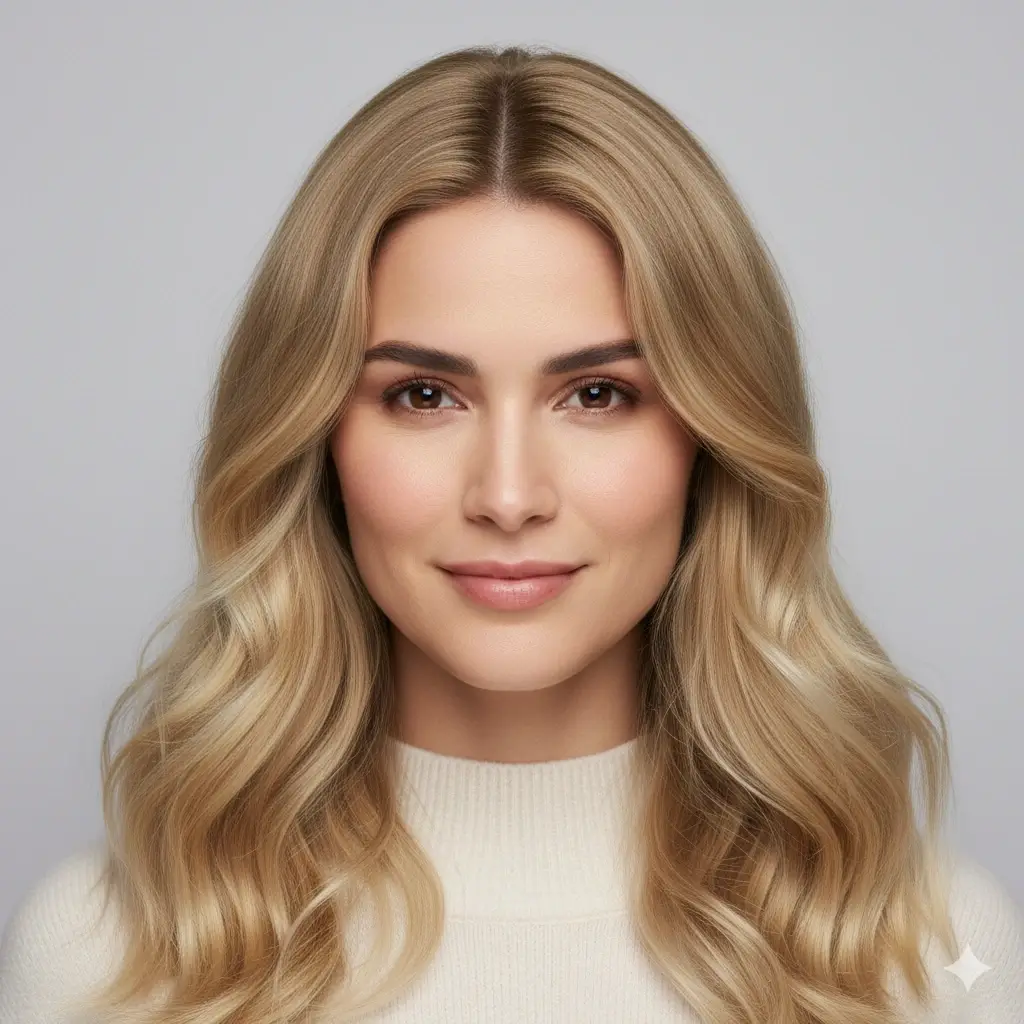
Lighter Bangs Color Check
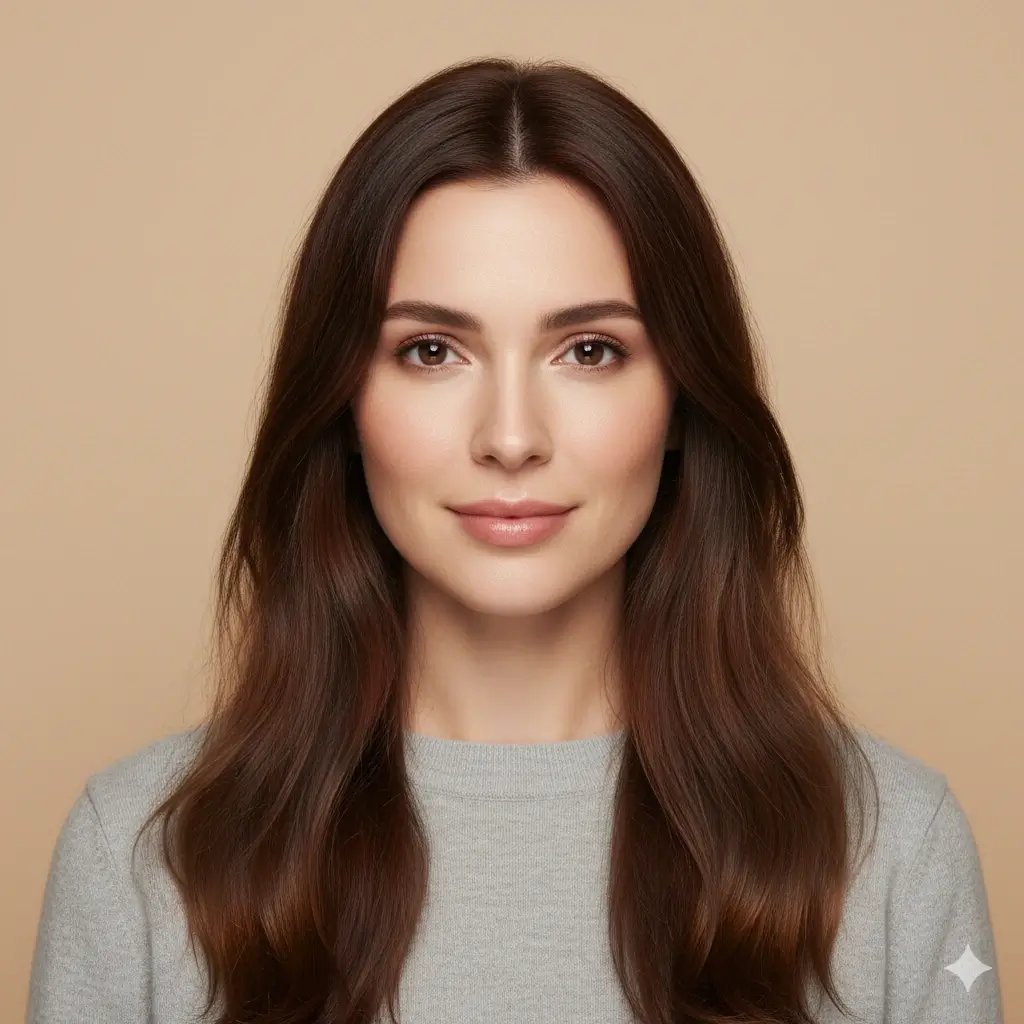
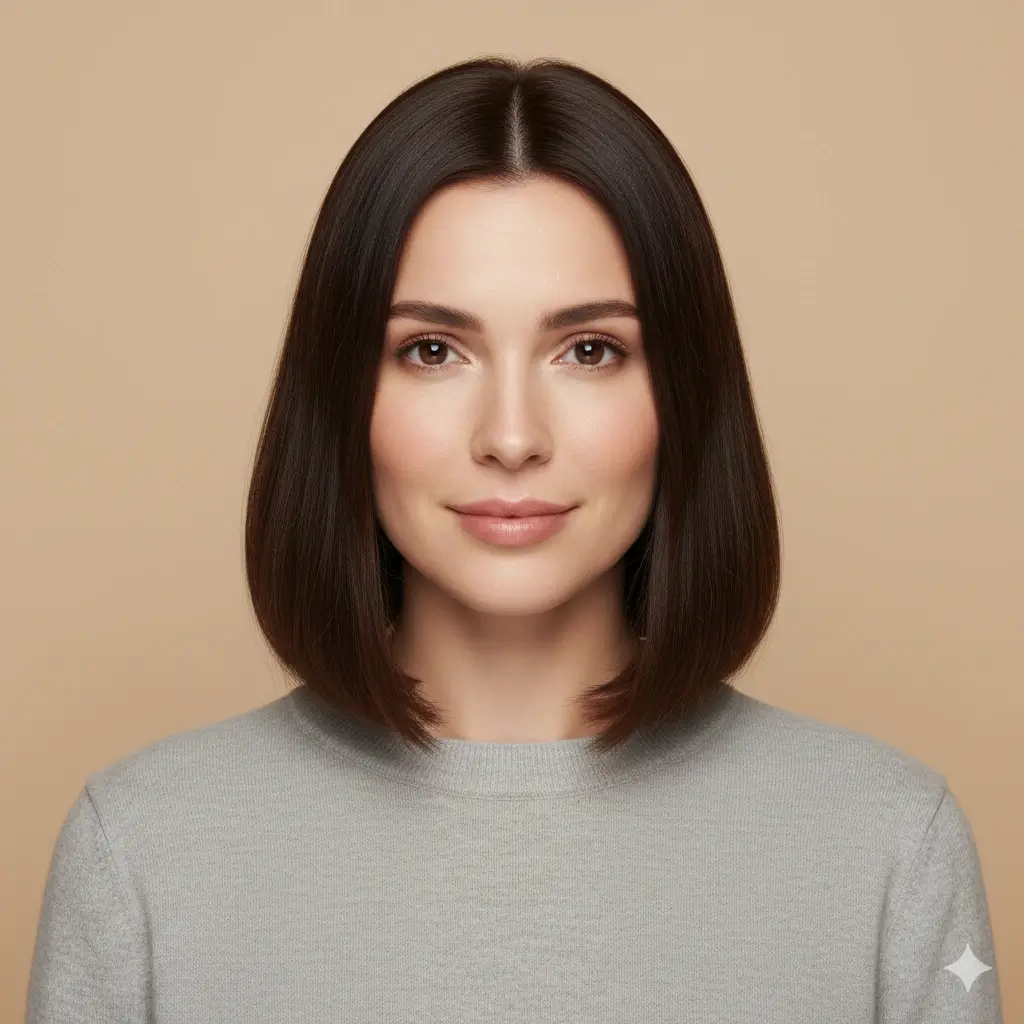
Full Bangs Bob


Face-Framing Bangs
Bangs Directions Worth Testing
A useful bangs page should help you compare how much forehead coverage, softness, and side movement you actually want.
Soft Fringe Options
These previews help when you want bangs but do not want your face to feel closed in.
- Curtain Bangs for a center-open shape
- Wispy Face-Framing Bangs for lighter coverage
- Soft Center-Part Fringe if you want movement instead of a hard line
- Compare two soft options before testing anything heavier
Fuller Bangs
These previews answer whether stronger forehead coverage makes your features feel more balanced or too heavy.
- Full Blunt Bangs for the clearest fringe statement
- Classic Bangs Bob when you want bangs plus a shape change
- Darker color options if you want to see a sharper fringe outline
- Use the same photo to compare blunt vs softer coverage
Decision Checks Before You Cut
The most useful preview is the one that answers whether you still like your eye area, cheeks, and forehead balance after adding bangs.
- Check how the fringe changes eyebrow visibility
- Compare whether your cheeks feel softer or wider
- Look at the forehead line first, not just the hairstyle trend
- Save the strongest result as a salon reference
How to Use the Bangs Filter
Upload a clear photo, choose the fringe direction you want to compare, then generate a result you can inspect or save before cutting real bangs.
Upload One Clear Front-Facing Photo
Use a selfie with visible forehead, eyebrows, and hairline. This gives the bangs filter the best chance of placing the fringe naturally.
Choose the Bangs Style
Compare curtain bangs, a softer wispy fringe, a fuller blunt bang line, or a side-swept option. You can also test a different hair color with the fringe.
Review and Download the Preview
In about 30-60 seconds, you get a result you can compare, save, or show to your stylist as a clearer bangs reference.
Why This Bangs Filter Fits the Search Intent
Focused on the Bangs Decision
This page is built for one job: helping you decide whether bangs, curtain bangs, or a fuller fringe suits your own face.
Compare Multiple Fringe Directions
Curtain bangs, side-swept fringe, and fuller blunt bangs can feel very different. Previewing more than one option gives you a more useful answer.
Preview on Your Own Photo
The important question is not whether bangs look good on a model. It is whether they balance your own forehead, eyes, cheeks, and jawline.
Save a Better Salon Reference
Download the result and show your stylist whether you want a soft curtain shape, a side sweep, or a stronger straight-across fringe.
Works on Phone and Desktop
Try the bangs filter on your phone before a haircut appointment, or compare results on desktop when you want a larger view.
Private Photo Handling
Your uploaded photo is used only to generate the preview, and uploaded and generated images are automatically deleted within 24 hours.
How Accurate Is a Bangs Preview?
A bangs filter is most useful for judging face framing and forehead coverage. It shows direction clearly, but it cannot promise an identical real-world salon result.
Best for Forehead and Face-Framing Decisions
The preview is strongest when you compare how bangs change your forehead exposure, eyebrow line, cheeks, and overall balance.
Not an Exact Salon Guarantee
Real outcomes still depend on hair density, natural parting, cowlicks, curl pattern, styling time, and how your stylist cuts the fringe.
Compare More Than One Fringe Type
If you are unsure, preview a softer fringe and a fuller one on the same photo. That usually gives a clearer decision than a single trend-driven result.
Practical rule
If you still like your eye area, forehead balance, and cheek framing after comparing two fringe types, bangs are usually a stronger candidate than a style you only like on someone else.
What This Bangs Filter Helps You Decide
The value is not only seeing a fringe. It is deciding whether bangs fit your face, maintenance level, and confidence before you cut length across the front.
See Bangs Before You Cut a Fringe
Preview the fringe first so you do not have to guess how much it changes your face framing and overall hairstyle feel.
Compare Safer vs Bolder Bangs
Use the page to compare curtain bangs or side-swept fringe against a fuller straight-across bang before choosing the strongest version.
Reduce Haircut Regret
Bangs are fast to cut and slow to grow out. Trying them virtually first can save you from a decision that feels too heavy in real life.
Walk In with a Clearer Reference
A saved preview helps your stylist understand whether you want a soft curtain shape, lighter wisps, or a fuller fringe line.
Frequently Asked Questions
Compare fringe coverage, softness, and side movement on the same photo before choosing a cut.
Ready to Try Bangs on Your Own Photo?
Upload a selfie, compare soft and fuller fringe options, then keep the preview that helps your next salon decision.
Use this bangs filter to try bangs on your own photo before you cut a fringe. Compare curtain bangs, wispy fringe, fuller bangs, and side-swept options, then download a clearer salon reference in minutes.