
AI Haircut Visualizer - Try Haircuts Before You Cut
Use this AI haircut visualizer to upload one clear photo, choose a haircut style, and preview how short hair, bangs, fades, bobs, pixie cuts, buzz cuts, or a new color could look on your own face. It is built for real haircut decisions, not just casual filters, so you can compare options before your next salon or barber visit.
Upload a Photo for Your AI Haircut Preview
Upload Your Selfie
Use a clear, front-facing photo so the AI haircut visualizer can map the haircut shape, hairline, and face framing more naturally.
Supported: JPG, PNG, WEBP • Max size: 10MB
Best photo tips for a better haircut AI result:
- Use a front-facing selfie with your full face visible
- Keep your hairline and forehead visible for bangs, fades, or short cuts
- Choose even lighting so the haircut shape and shadows look natural
- Avoid hats, sunglasses, heavy filters, deep shadows, and strong side angles
Choose the Haircut Style AI Should Visualize
Start with the haircut you are seriously considering, then compare a second option on the same photo.
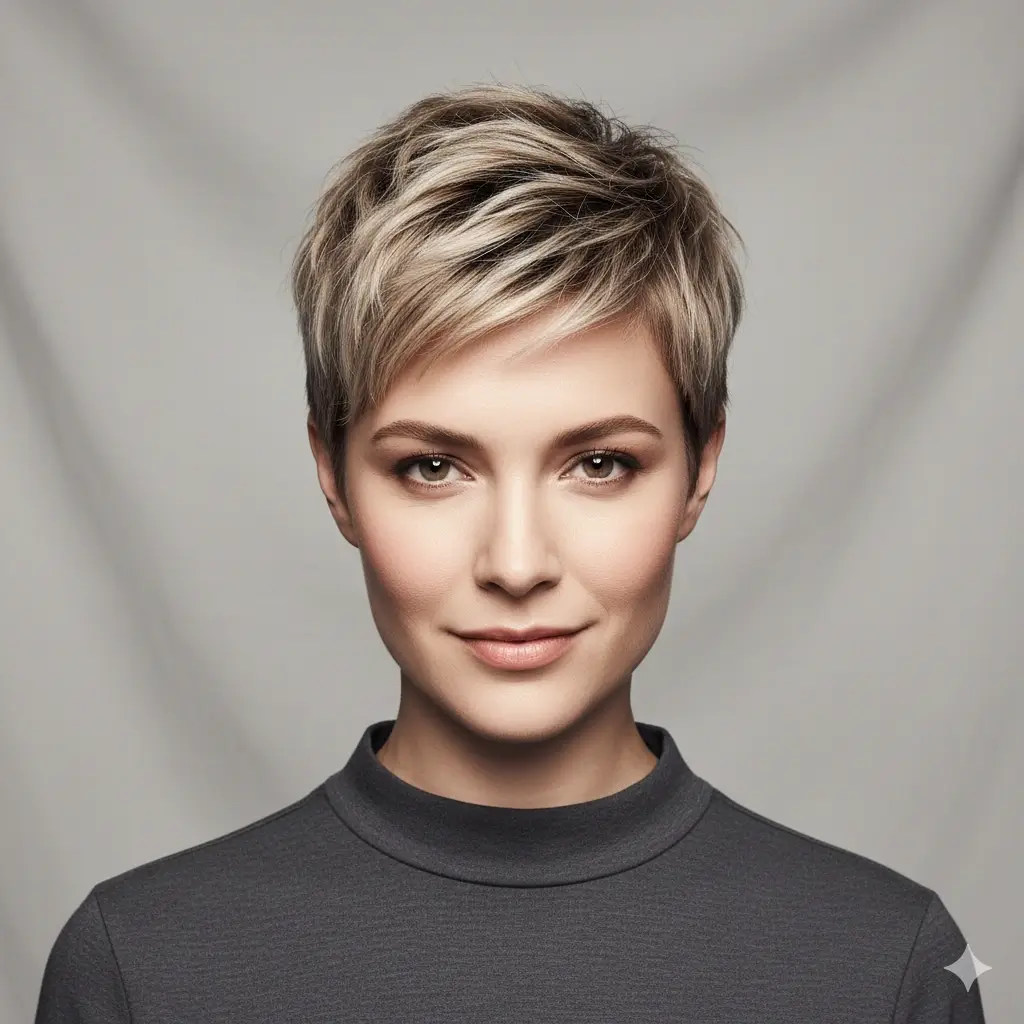
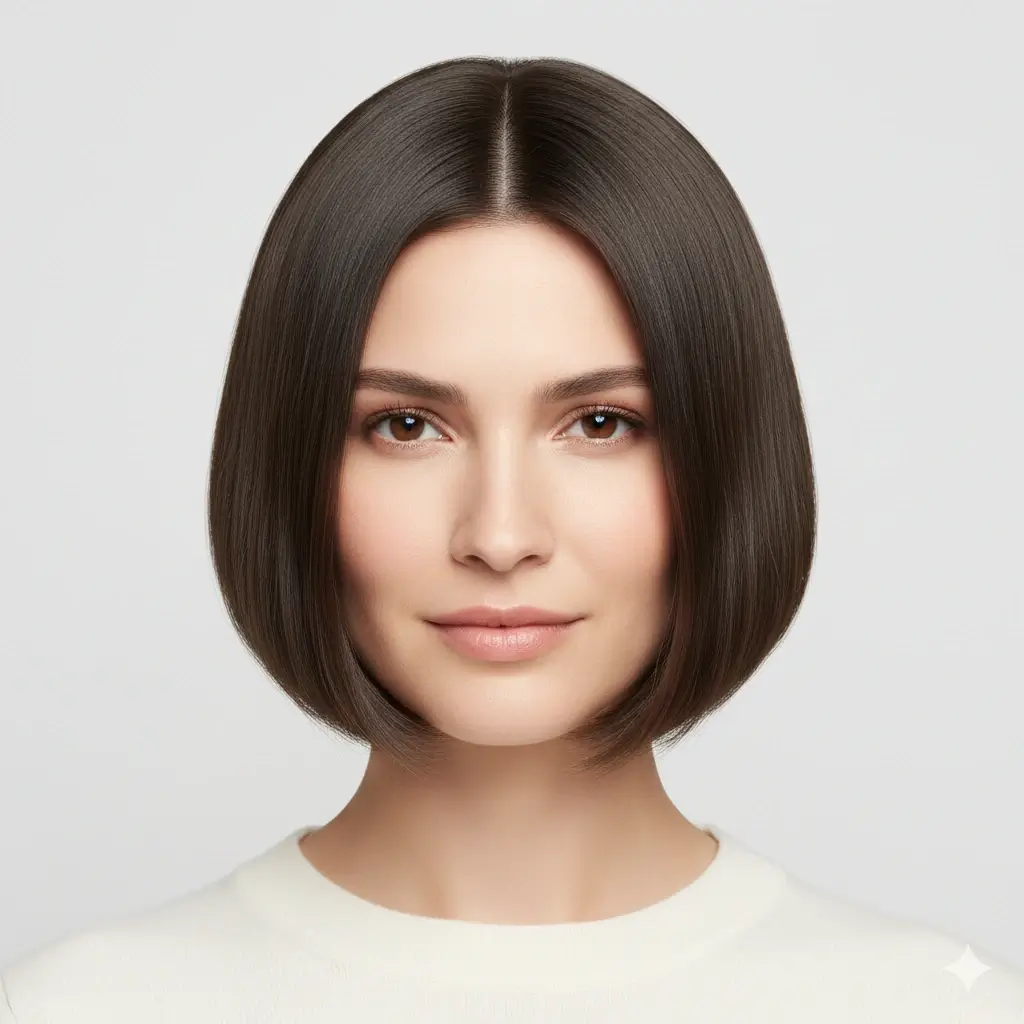
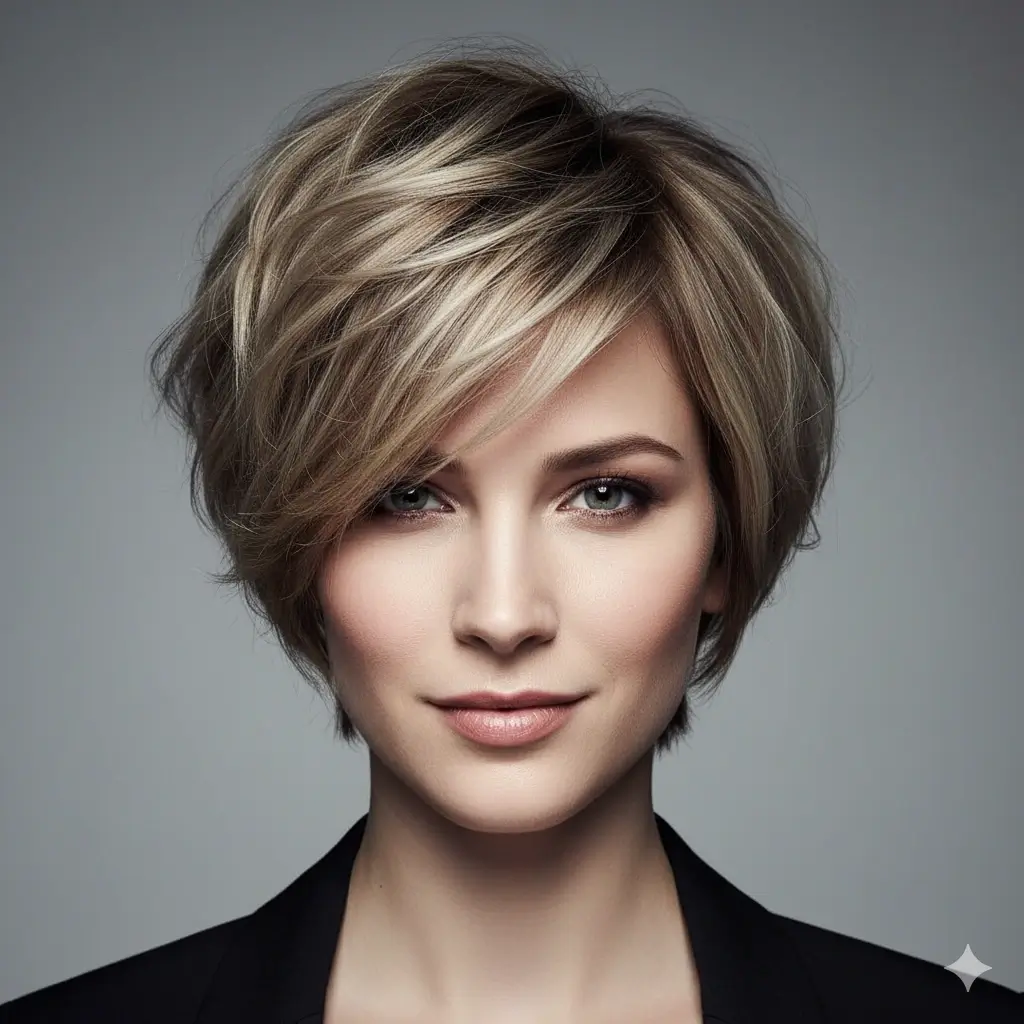
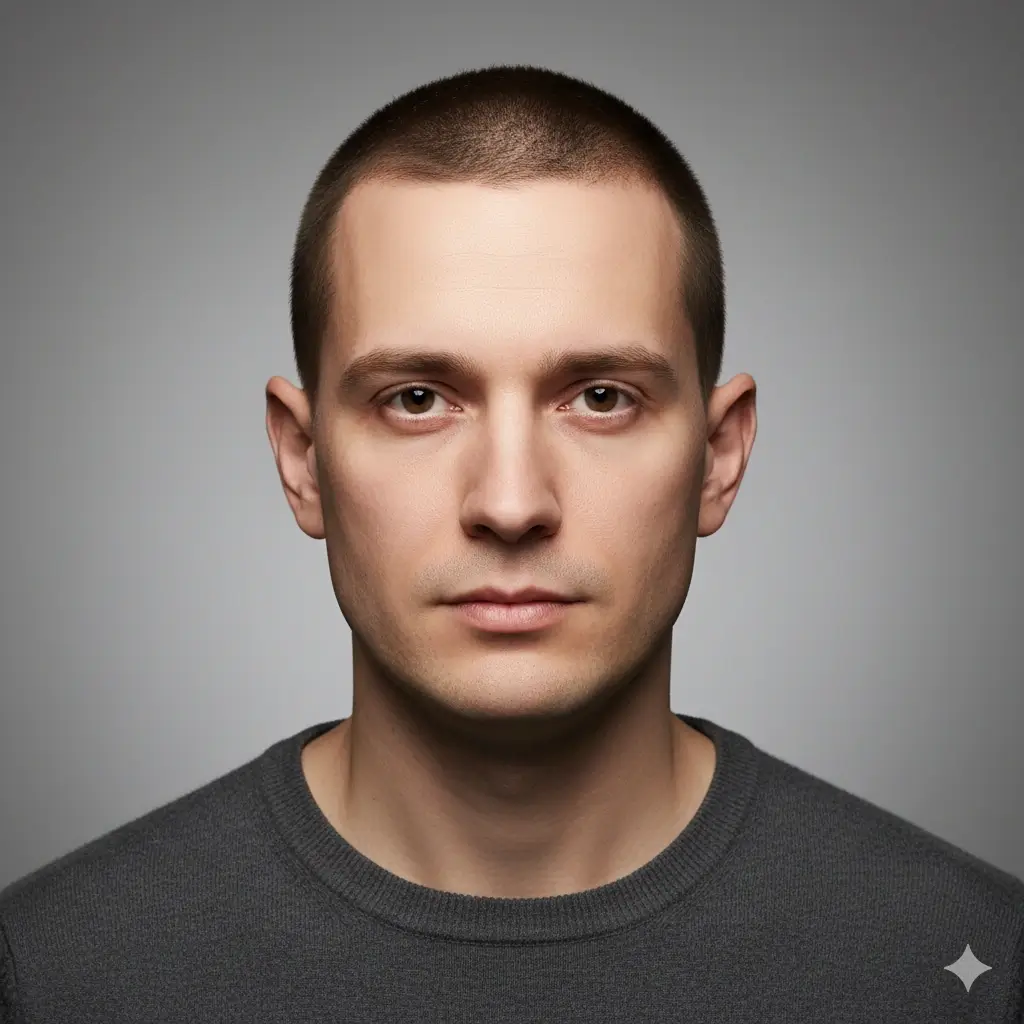
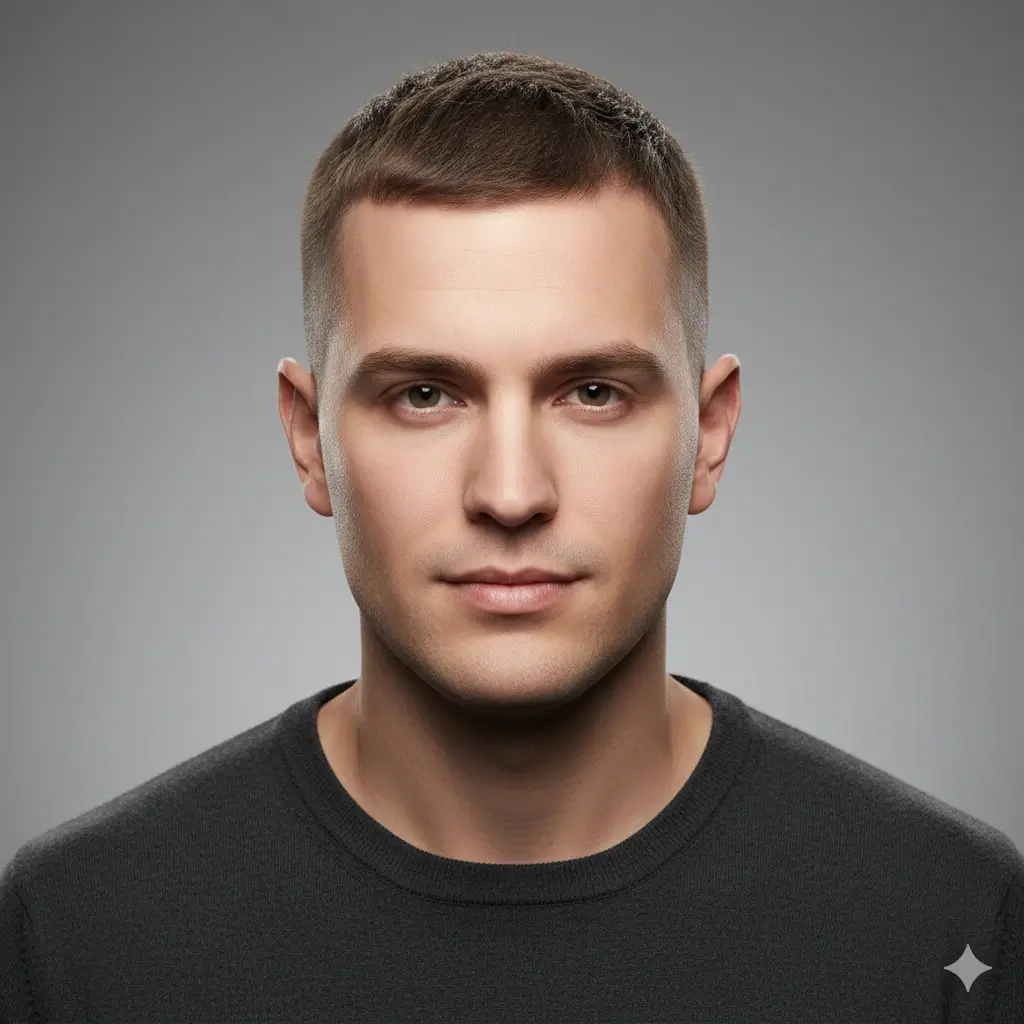
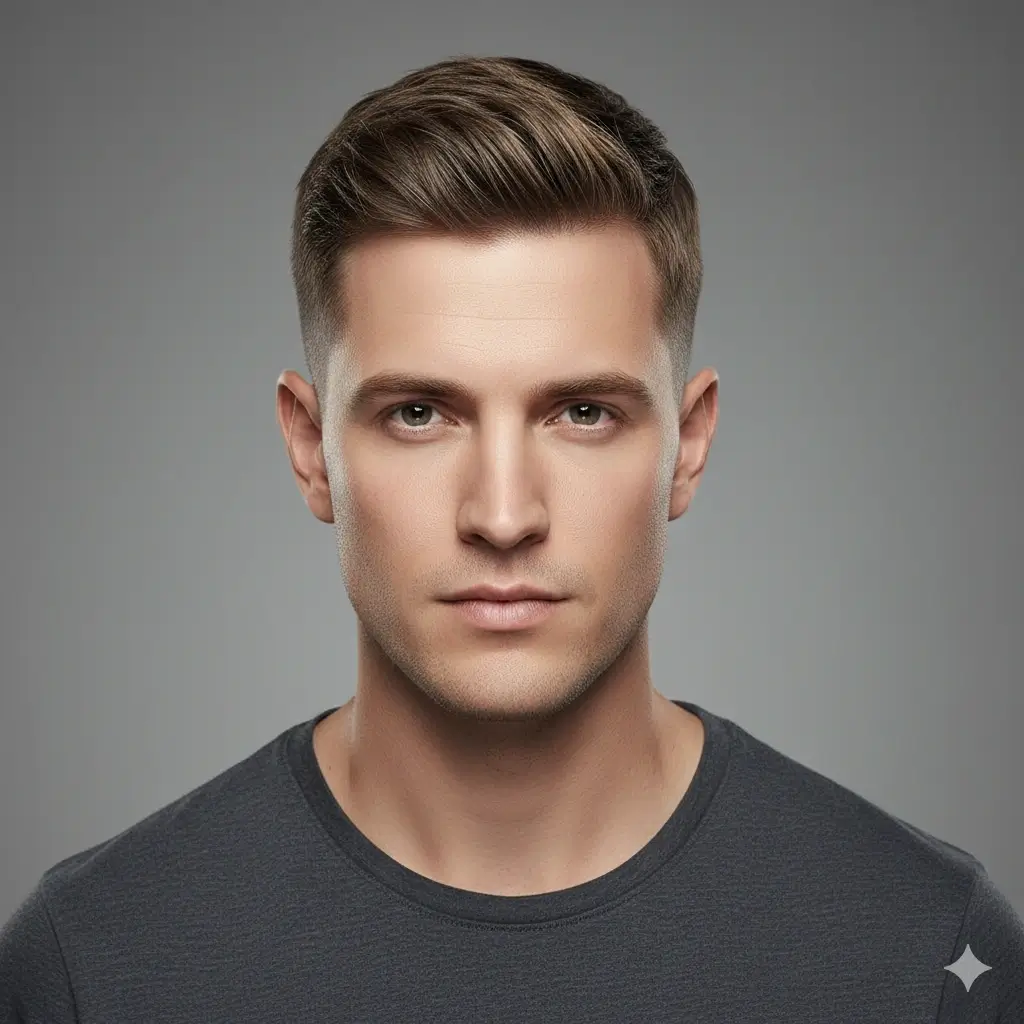


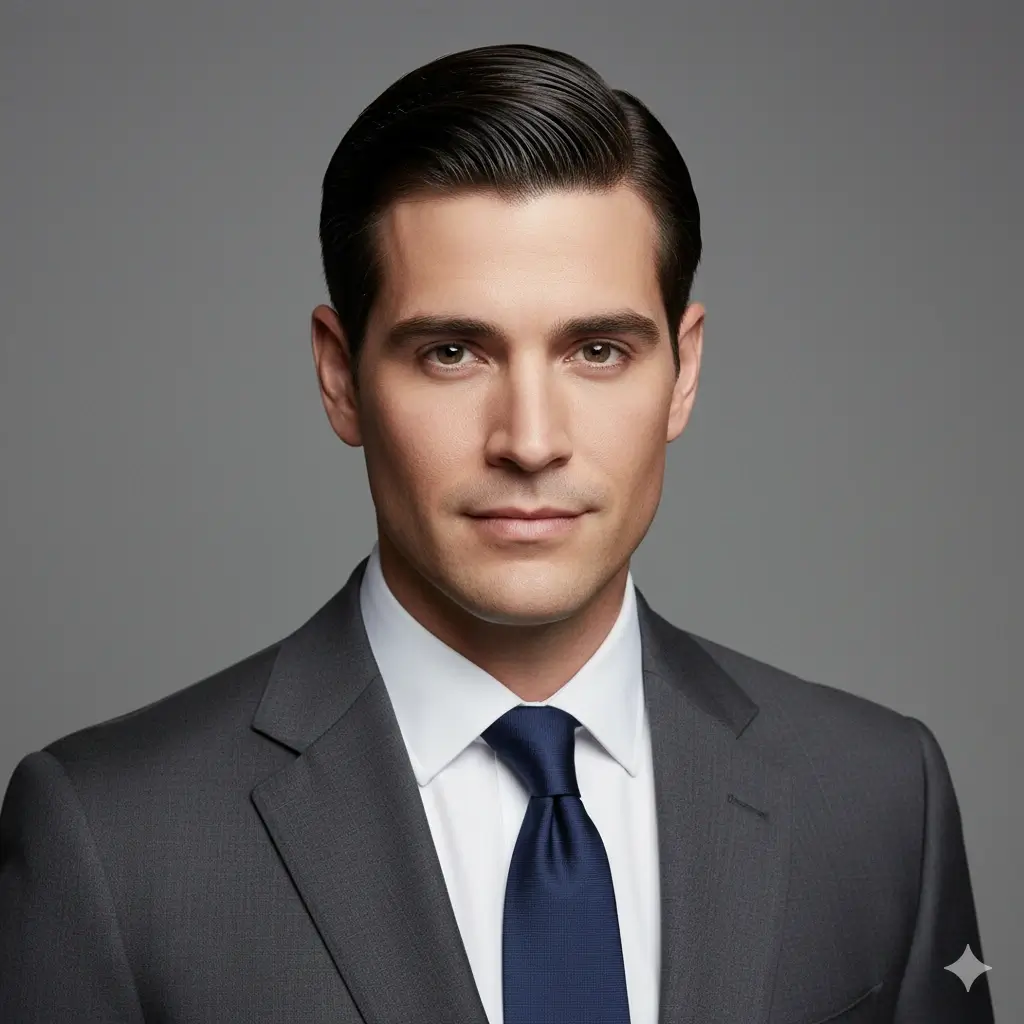
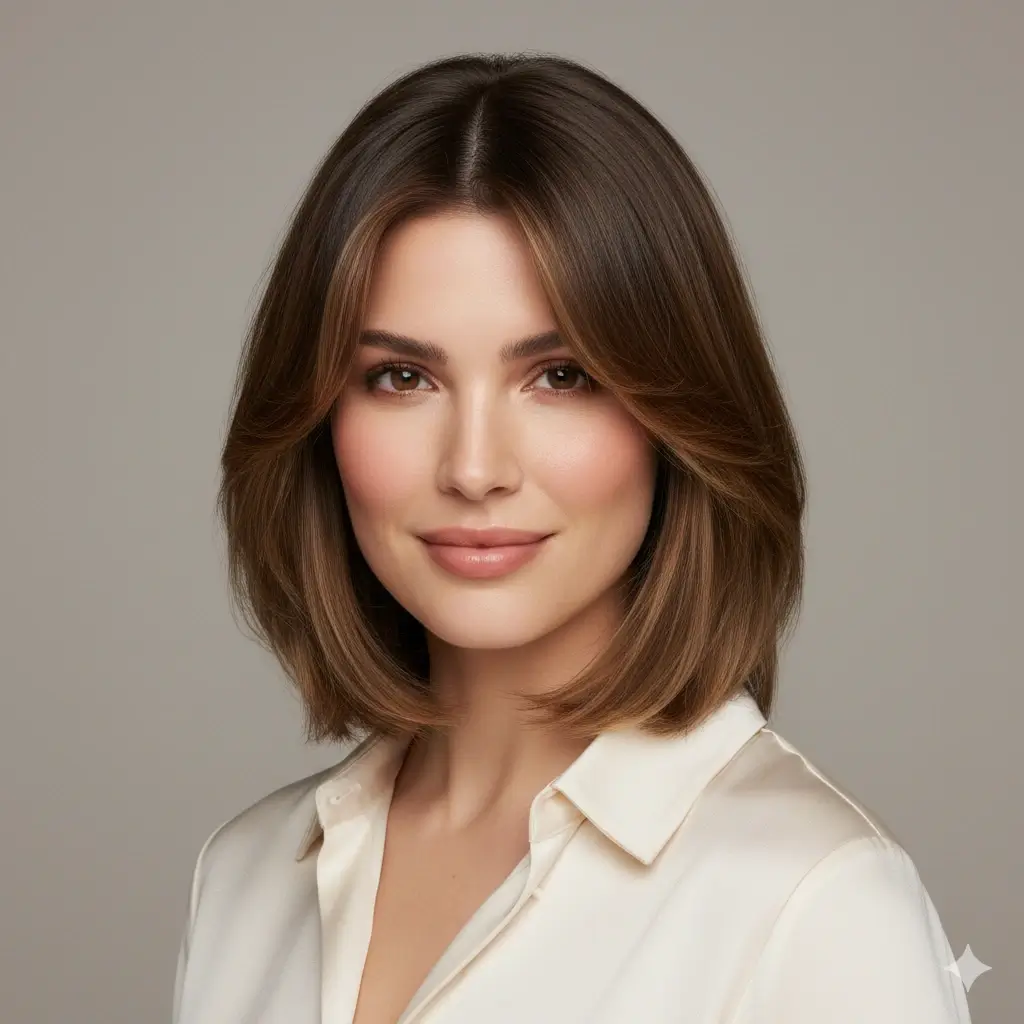
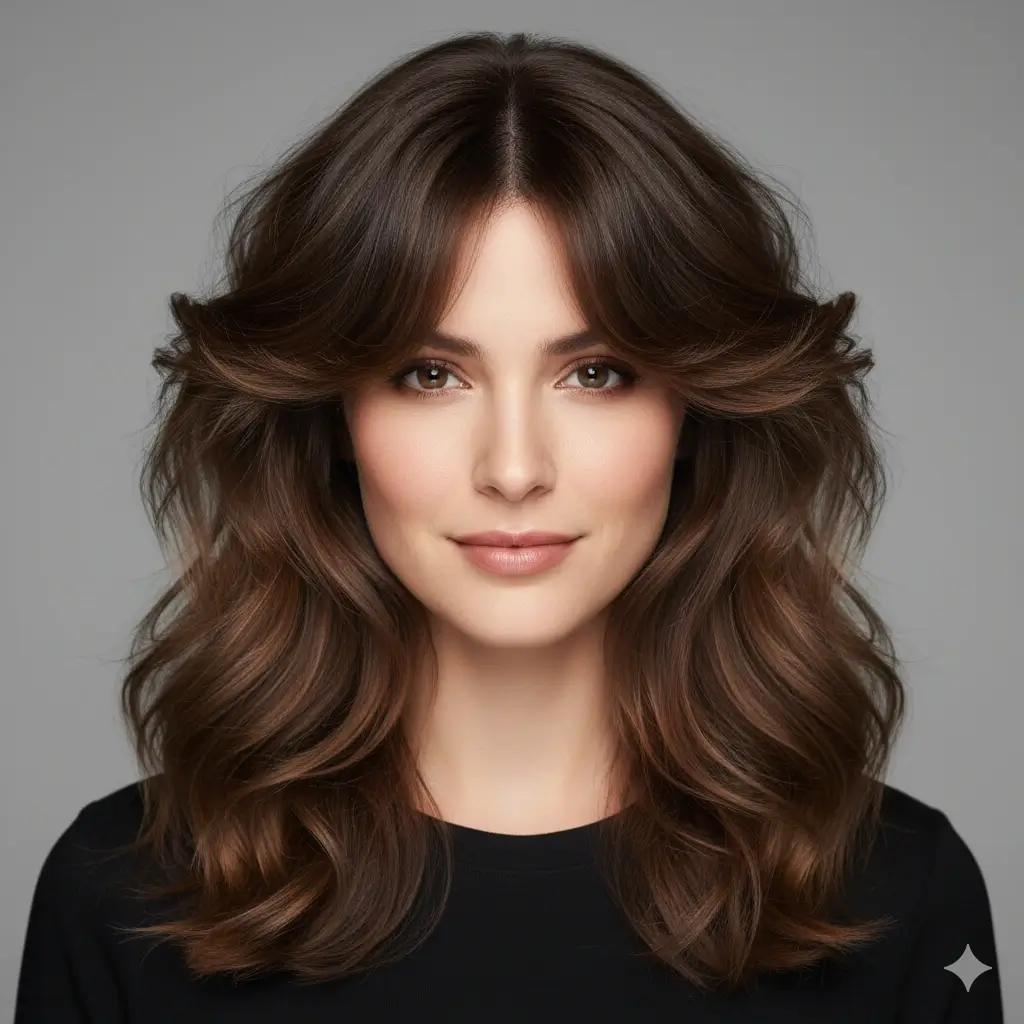
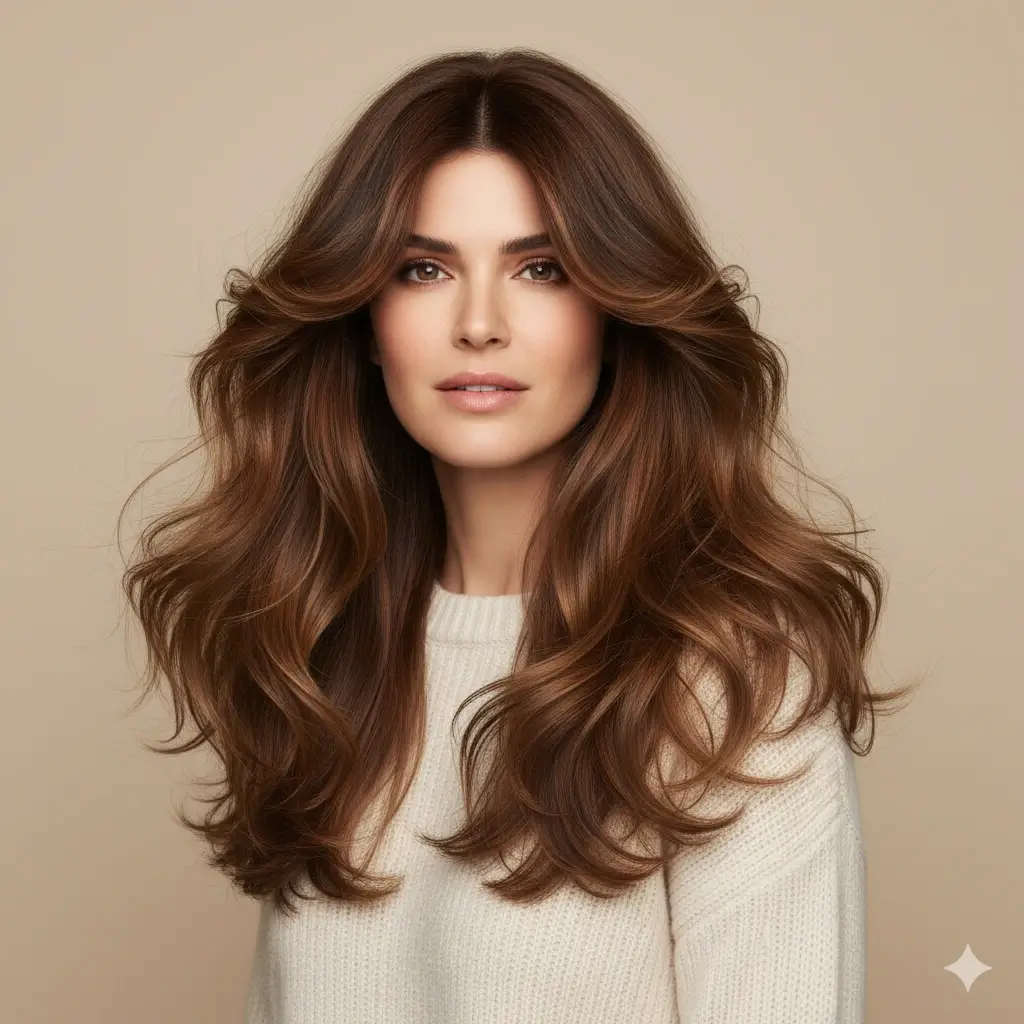
Preview Hair Color with the Haircut
Optional: keep your current color or see whether a new shade works with the haircut.
Your AI haircut visualizer setup:
Loading credits...
Each AI haircut generation costs 2 credits
How to Use the AI Haircut Visualizer for a Real Cut
Compare haircut length, side shape, face framing, and maintenance before your salon or barber appointment.
Example haircut previews to compare
| Goal | Preview | Best for |
|---|---|---|
| Short cut decision | Bob, pixie, buzz cut, or fade preview | Seeing whether shorter length fits |
| Barber reference | Fade, crew cut, undercut, or textured crop | Explaining side length and top shape |
| Color with cut | Same haircut with a new shade | Checking the haircut mood |
Before you generate
Photo setup
- Face and hairline are visible
- Use even lighting
- Compare with the same photo
Style choice
- Start with the biggest change
- Compare one safer option
- Save the closest reference
Accuracy and limits
The visualizer helps compare haircut direction, but the real result depends on texture, density, growth pattern, tools, and styling.
What People Want from an AI Haircut Visualizer
Most users searching for haircut AI are trying to reduce uncertainty before a real cut. The highest-value answer is a preview on their own face, with enough context to compare shape, length, and maintenance.
Try Haircuts Online with Your Own Photo
A model photo can inspire you, but it cannot show how a bob, pixie cut, fade, or buzz cut changes your proportions. This AI haircut visualizer puts the haircut on your own photo so the decision is more personal and practical.
Preview High-Risk Haircut Changes First
Short hair, bangs, fades, and strong shape changes are hard to reverse. A virtual haircut simulator helps you test the direction before you ask a stylist or barber to cut real length.
Create a Clearer Barber or Salon Reference
A saved AI haircut preview is more useful than a vague description. You can show the result to your hairstylist or barber and explain the length, face framing, side shape, or color direction more clearly.
AI Haircut Examples Worth Testing First
These examples focus on haircut decisions people usually want to preview before making a salon or barber appointment.
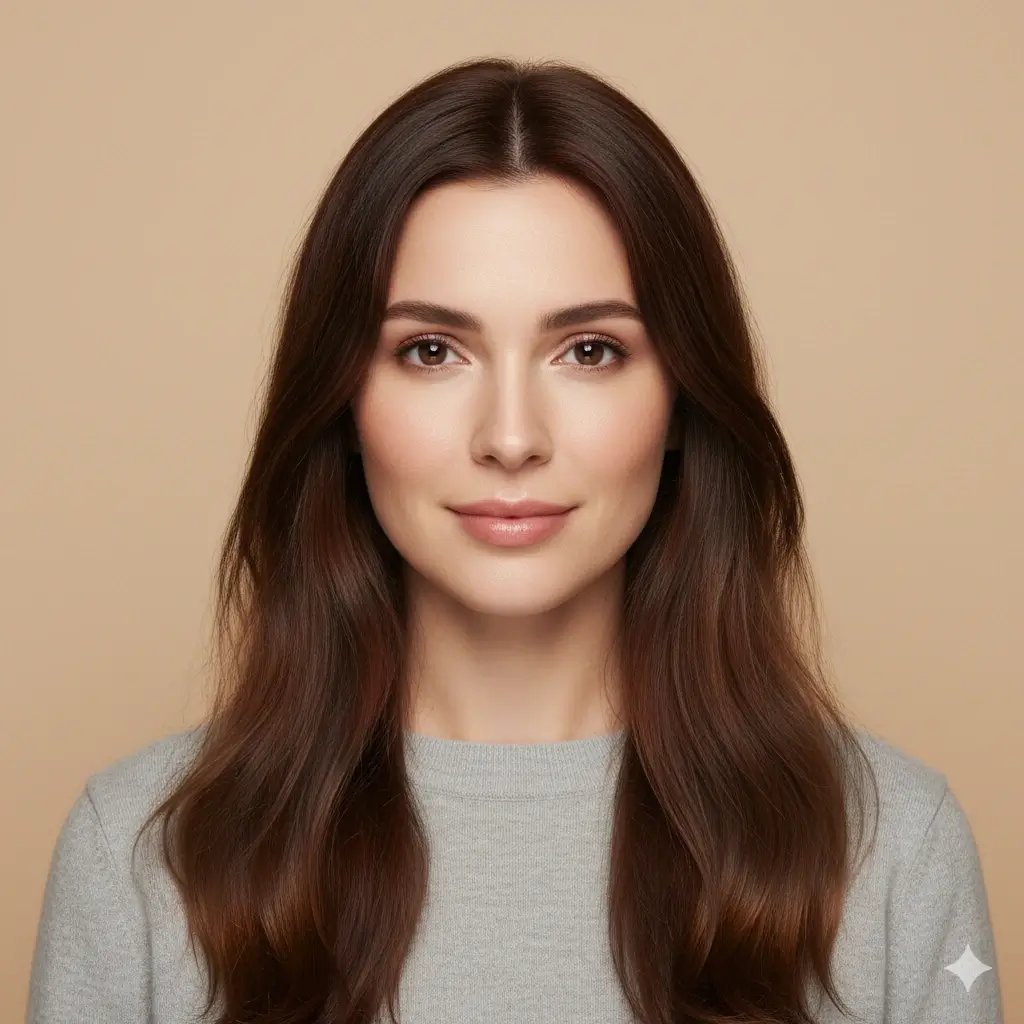
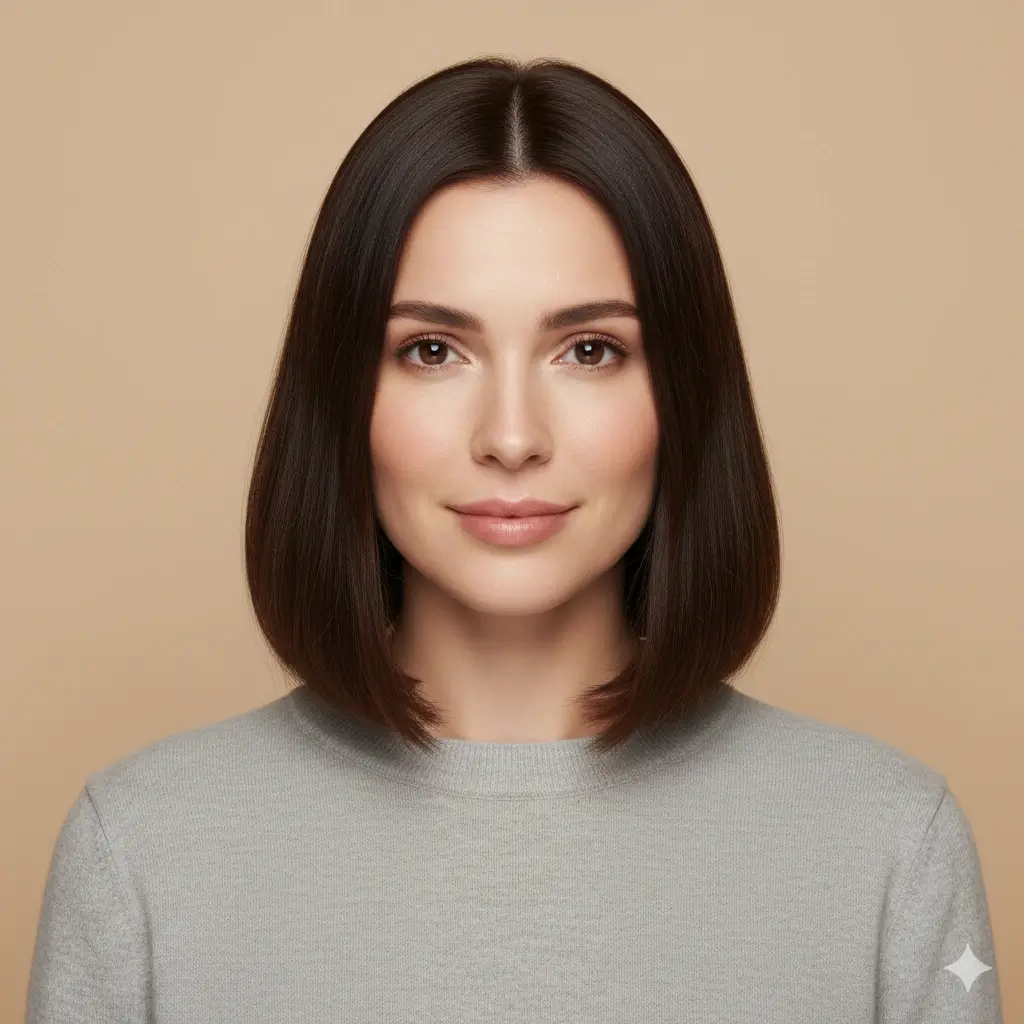
Bob Cut Haircut Preview
A bob cut changes length, jaw framing, and daily styling at the same time, which makes it one of the most useful haircuts to preview first.


Fade Haircut Preview
A fade shows whether cleaner sides and a sharper outline suit your face before you sit in the barber chair.
Pixie Cut
A major short-hair decision that helps you see whether less length and more facial structure feel right.
Buzz Cut
A bold low-maintenance cut where previewing the face shape change matters more than copying a model photo.
Lob with Curtain Bangs
A practical way to test bangs and face framing before cutting a fringe in real life.
Textured Crop
A modern barber cut that helps compare top texture, shorter sides, and a cleaner outline.
Haircuts to Visualize Before You Commit
A good AI haircut visualizer should help you test the decisions that feel hardest to undo, not just browse random styles.
Short Hair Decisions
Use the AI haircut visualizer when you are deciding whether to remove length and want a direct preview on your own face.
- Pixie Cut for a sharper short-hair change
- Bob Cut for a classic chin or jaw-level shape
- Bixie Cut for a softer mix of pixie and bob
- Buzz Cut if you want a bold, minimal haircut
Barber-Ready Haircuts
These styles are useful when you want to compare side shape, edge placement, and how clean or structured the haircut feels.
- Fade for cleaner sides and stronger outline
- Undercut for contrast between top and sides
- Textured Crop for a modern short finish
- Crew Cut or Side Part for practical everyday structure
Bangs, Layers, and Color
Use the haircut style AI to test face framing or a color direction before you cut bangs, add layers, or book a dye service.
- Lob with Curtain Bangs for a softer fringe
- Butterfly Cut for layered movement and lift
- Layered Long Hair when you want shape without losing length
- Blonde, brown, black, auburn, gray, or platinum color previews
How the AI Haircut Generator Works
The AI haircut visualizer process is designed for fast comparison: upload a photo, pick the haircut, generate the preview, then save the result if it helps your decision.
Upload One Clear Photo
Start with a front-facing selfie. Good lighting and a visible hairline help the AI haircut visualizer place bangs, short cuts, fades, and layers more naturally.
Choose a Haircut or Color
Select the haircut you are actually considering, such as a bob, pixie cut, buzz cut, fade, undercut, textured crop, curtain bangs, or layered style. You can also preview a hair color with the cut.
Review and Download the Preview
In about 30-60 seconds, the haircut AI creates a preview you can compare, download, or show to your barber or hairstylist before making the final cut.
Why This AI Haircut Visualizer Fits Real User Intent
Built for Real Haircut Decisions
The page focuses on the moment before you cut: should you go shorter, add bangs, clean up the sides, or change color with the haircut?
Compare Multiple Haircut Directions
Test short hair, barber cuts, face-framing layers, and color previews in one place instead of jumping between separate haircut ai tools.
Preview on Your Own Photo
Your face shape, hairline, and proportions matter. The AI haircut visualizer shows the style on your picture, not on a generic model.
Save a Better Reference Image
Download the result and use it as a barber or salon reference when a verbal description is not specific enough.
Works on Phone and Desktop
Try haircuts online from a phone before an appointment, or compare options later on desktop when you want a larger view.
Private Photo Handling
Your uploaded photo is used only to generate the haircut preview, and images are automatically deleted within 24 hours.
How Accurate Is a Virtual Haircut Simulator?
An AI haircut visualizer is most useful when you treat it as a visual decision aid. It can show direction, shape, and face framing, but real salon results still depend on your hair and stylist.
Best for Comparing Shape
The visualizer is strongest when you compare how different haircuts change width, length, face framing, and overall balance on the same photo.
Not an Exact Salon Guarantee
Real outcomes can vary by hair density, natural texture, growth pattern, styling products, and technique. Use the result as a guide, not a final promise.
Better with Two or Three Options
Try more than one ai haircut preview before deciding. Comparing a safer cut with a bolder cut usually gives a clearer answer than one isolated image.
Practical rule
If a haircut looks balanced in two different previews and still fits your maintenance level, it is usually a stronger salon or barber reference than a style you only like on someone else.
What This Haircut AI Tool Helps You Decide
The real value is not only seeing a different hairstyle. It is making a more confident haircut decision before money, time, and real length are involved.
See the Haircut Before You Cut
Preview a bob, pixie cut, buzz cut, fade, or bangs before making a change that may take months to grow out.
Narrow Your Shortlist Faster
Use the AI haircut generator to eliminate styles that feel too harsh, too soft, too wide, or too difficult to maintain.
Reduce Costly Trial and Error
Trying haircuts online first can reduce the chance of paying for a salon or barber result that never matched what you imagined.
Walk In with a Better Reference
A saved haircut preview gives your stylist or barber a more specific starting point than a celebrity photo with different face proportions.
Frequently Asked Questions
Compare haircut length, side shape, face framing, and maintenance before your salon or barber appointment.
Ready to Try a Haircut on Your Own Photo?
Upload a selfie, compare short haircuts, bangs, fades, bobs, pixie cuts, buzz cuts, and colors, then keep the haircut preview that helps your next appointment.
Use this AI haircut visualizer to try haircuts online before you cut. Upload your own photo, compare haircut ai previews such as bob cut, pixie cut, fade, buzz cut, undercut, textured crop, curtain bangs, layered hair, and natural color options, then download a clearer reference for your next salon or barber visit.