
AI Hairstyle Changer for Women
Use our AI hairstyle changer for women to preview the haircut, bangs, length, or hair color you want before you visit a salon. Upload one clear photo and compare short cuts, layered styles, long waves, bobs, bixie looks, butterfly cuts, and trend-led AI hairstyles on your own face. If you are deciding between keeping your length, trying bangs, going shorter, or testing a fresh color, this page is built to help you narrow down the right look with less guesswork. If you are searching for an AI bob cut try on, start with the bob preview and compare it against pixie, bixie, lob, and layered options on the same photo.
Upload a Clear Photo
Upload Your Selfie
Use a front-facing photo so the AI hairstyle changer for women can map bangs, layers, length, and color more naturally
Supported: JPG, PNG, WEBP • Max size: 10MB
Best photo tips for realistic women's hairstyle results:
- Use a clear photo with your full face visible
- Keep your forehead and hairline visible if you want to test bangs
- Choose even lighting so hair texture and face framing stay natural
- Avoid hats, heavy shadows, and strong side angles
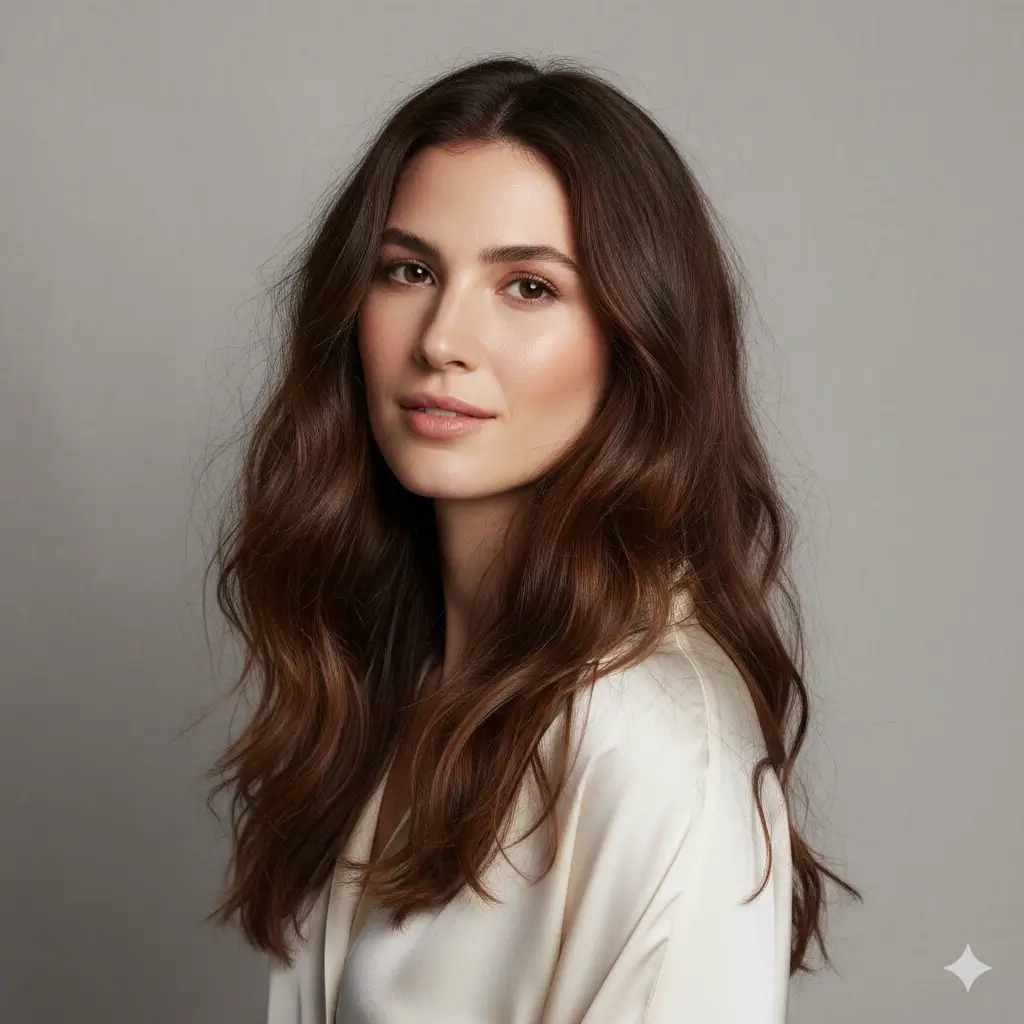
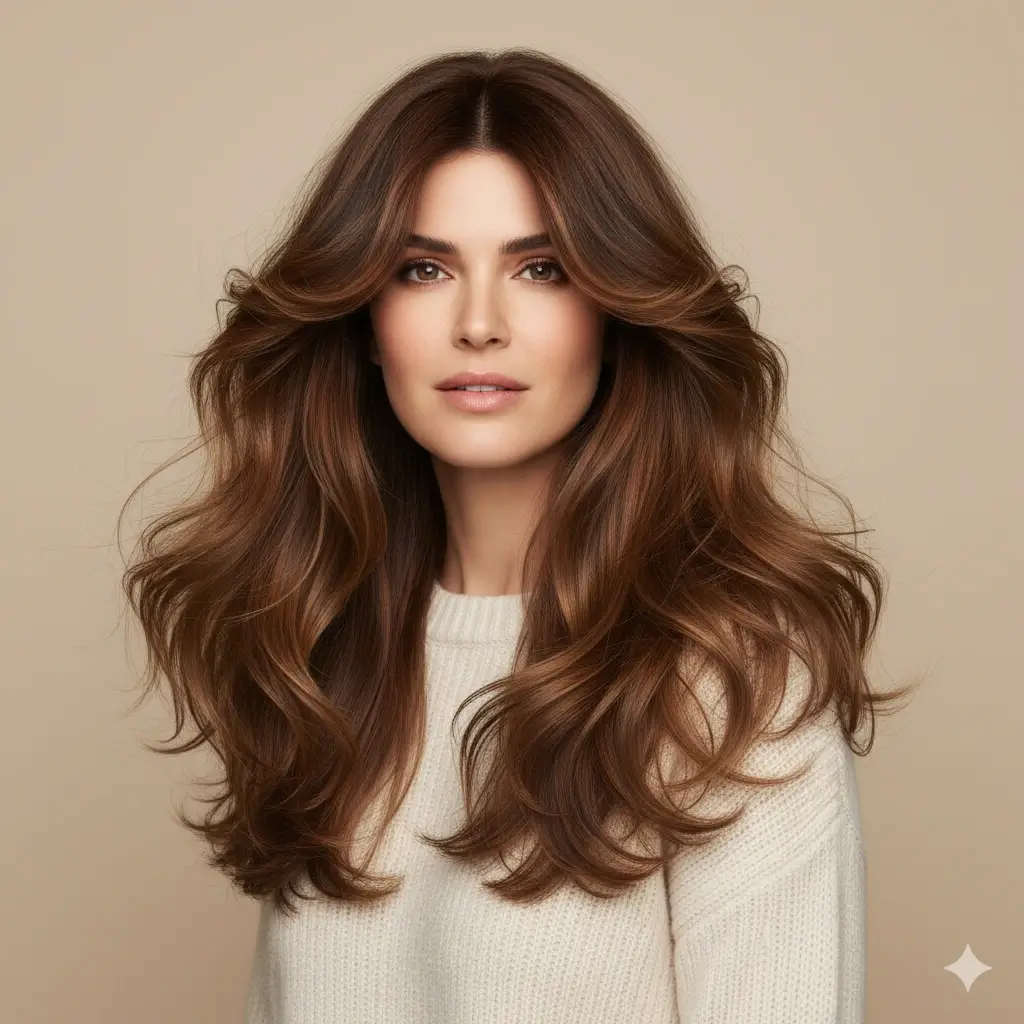
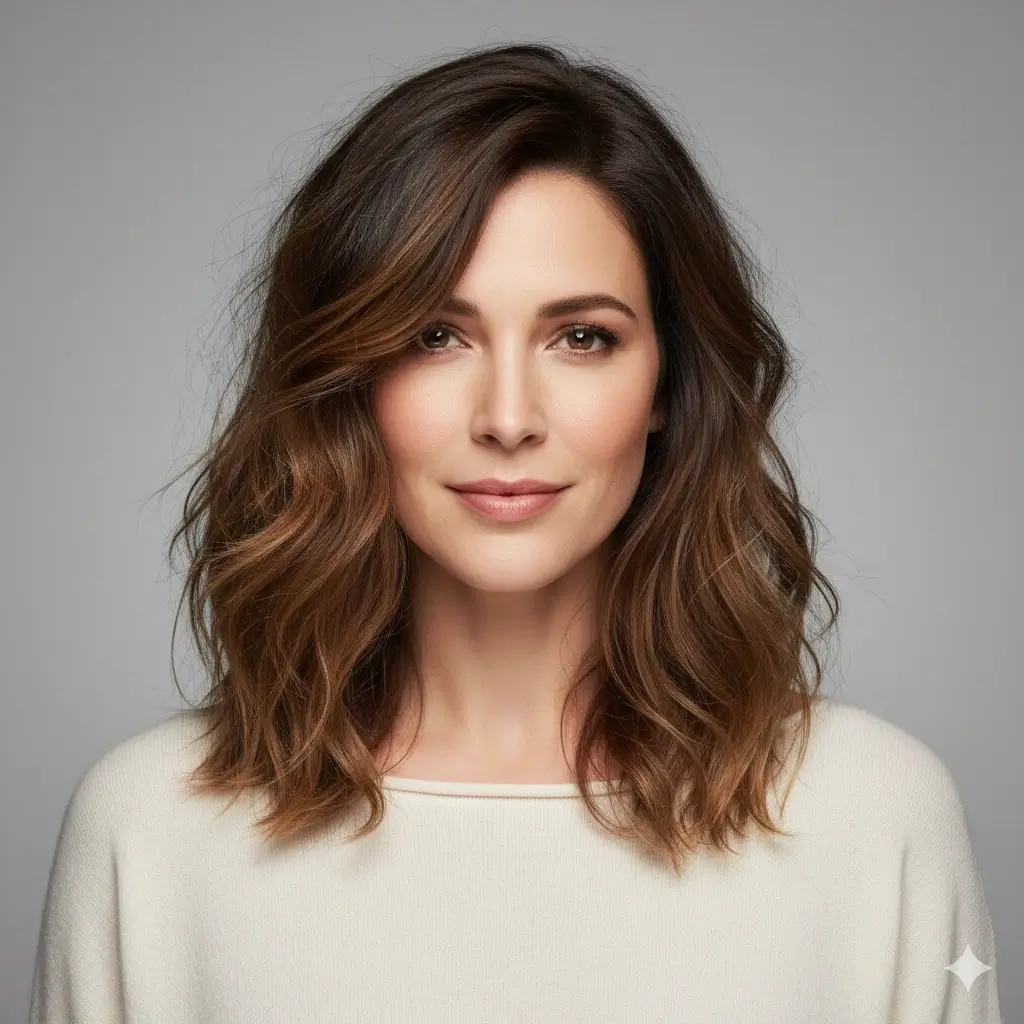
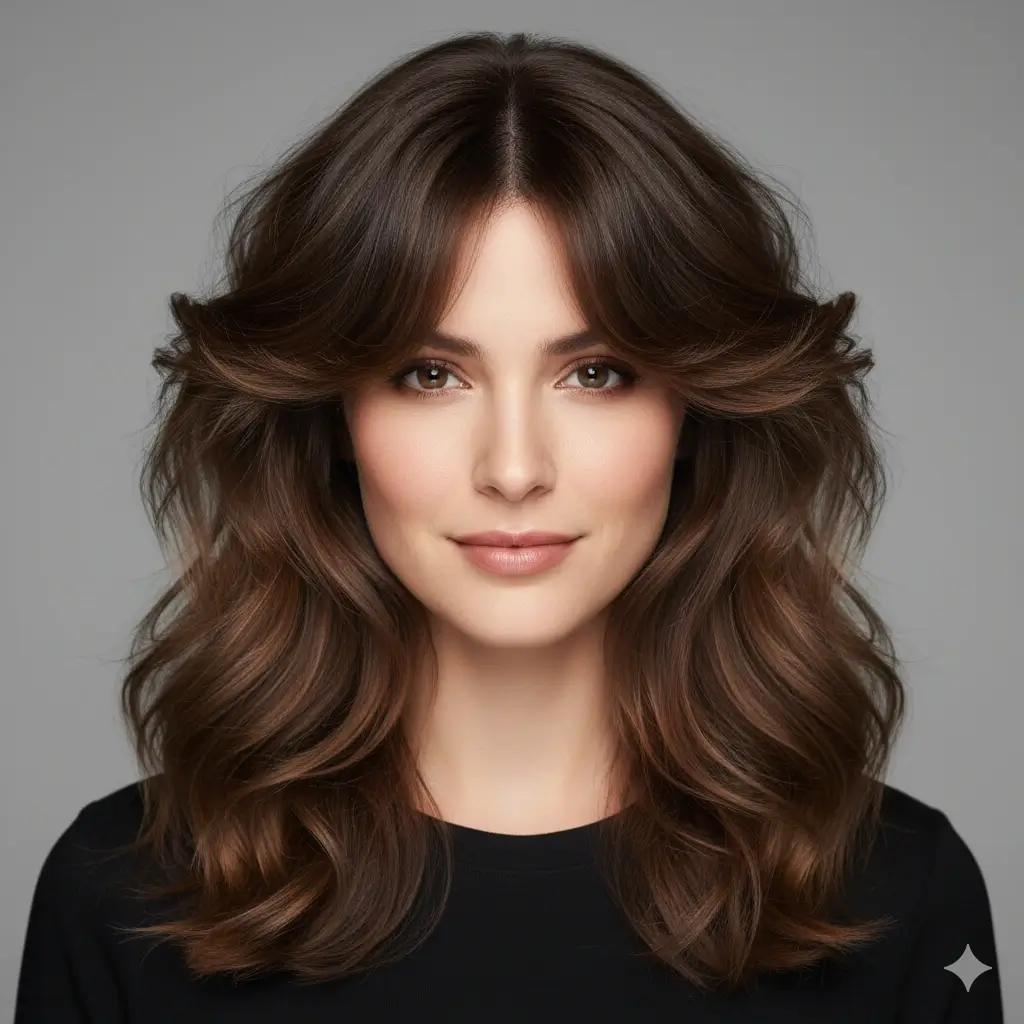
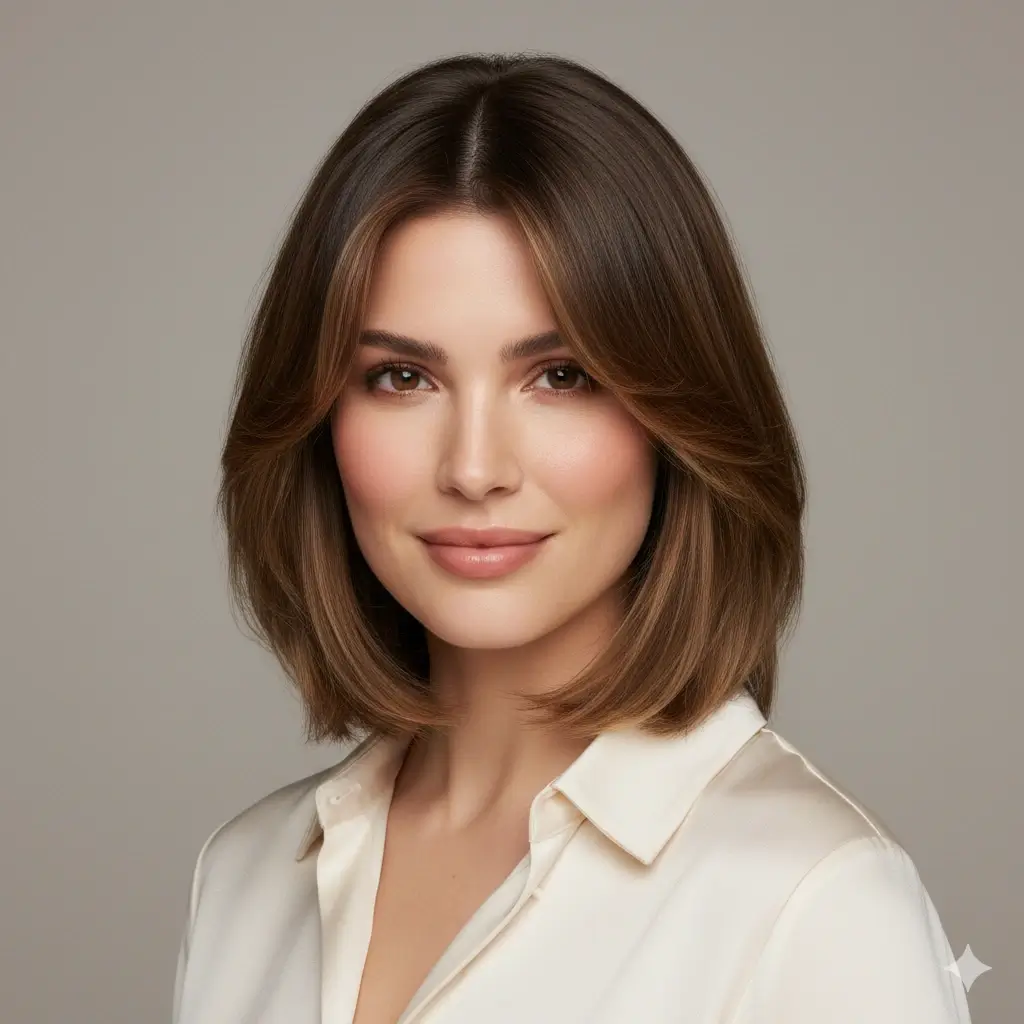
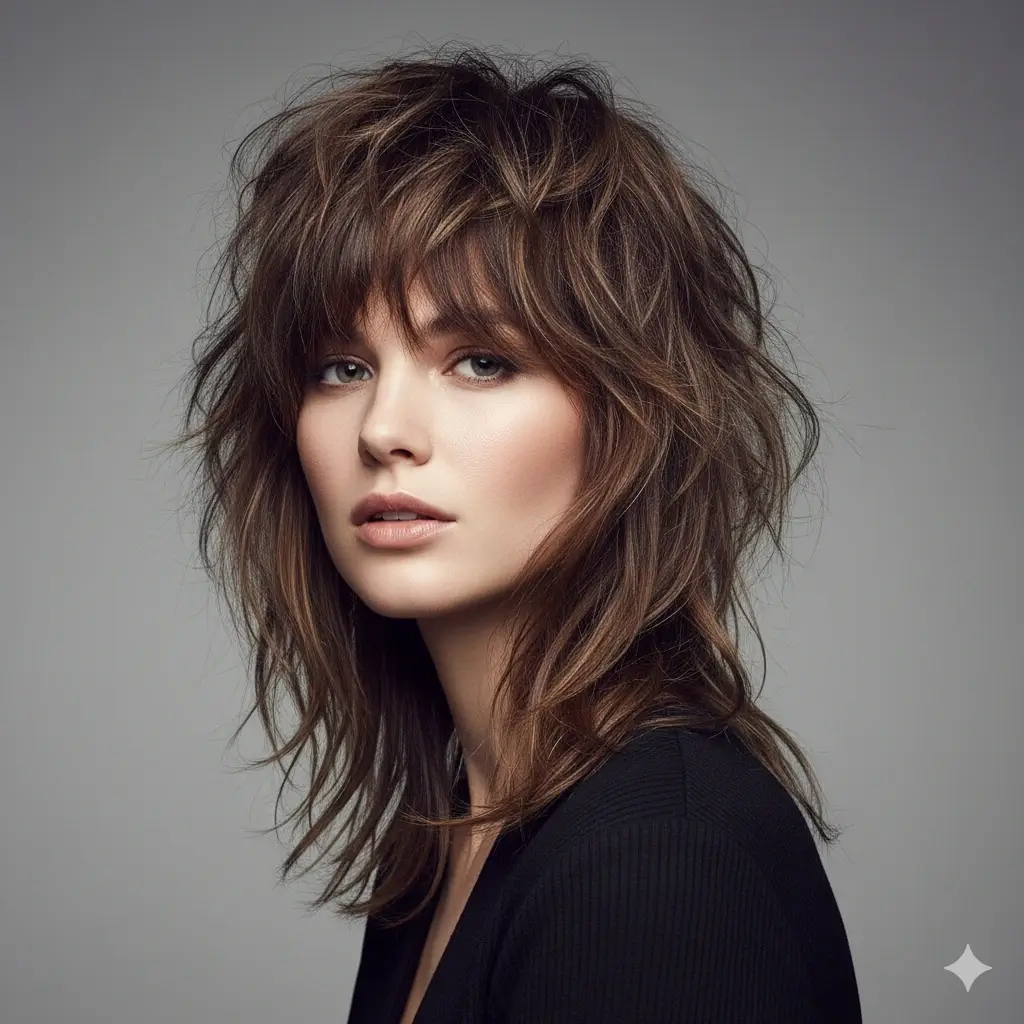
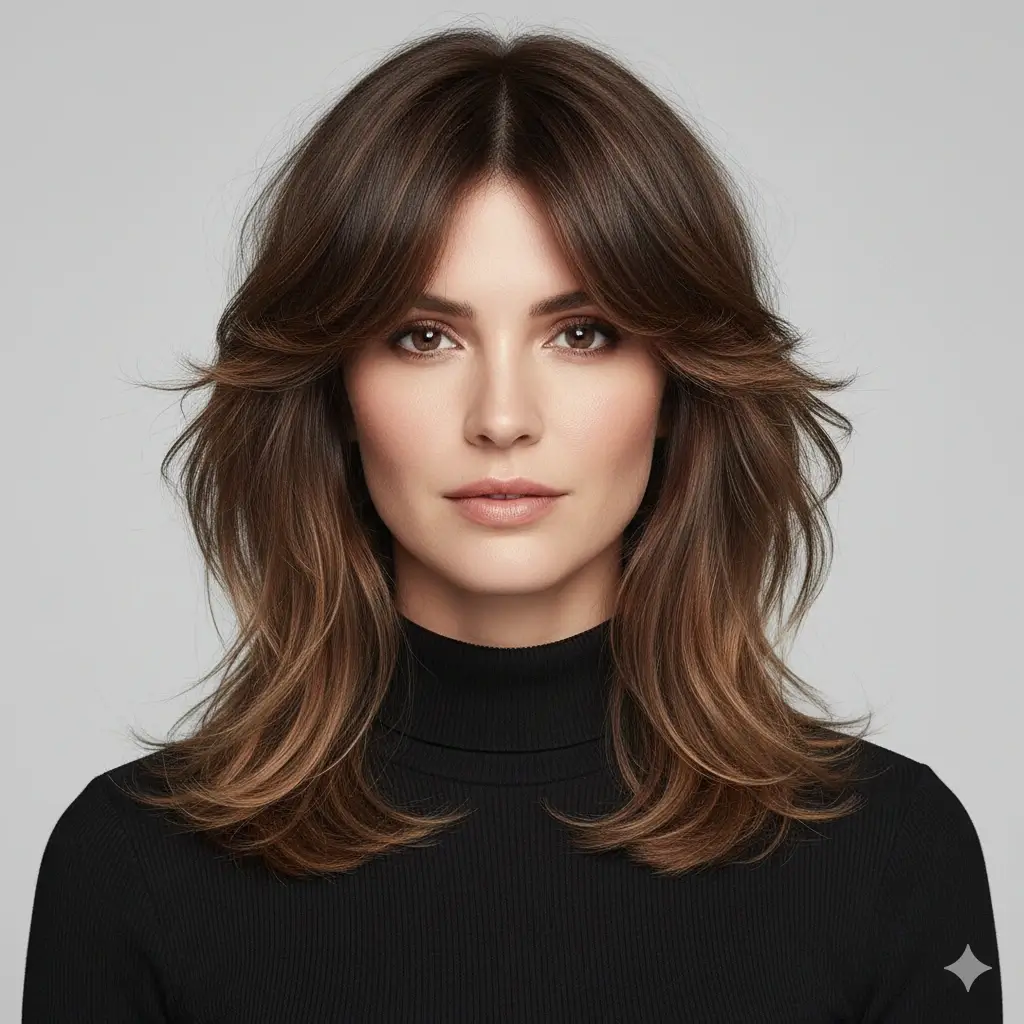
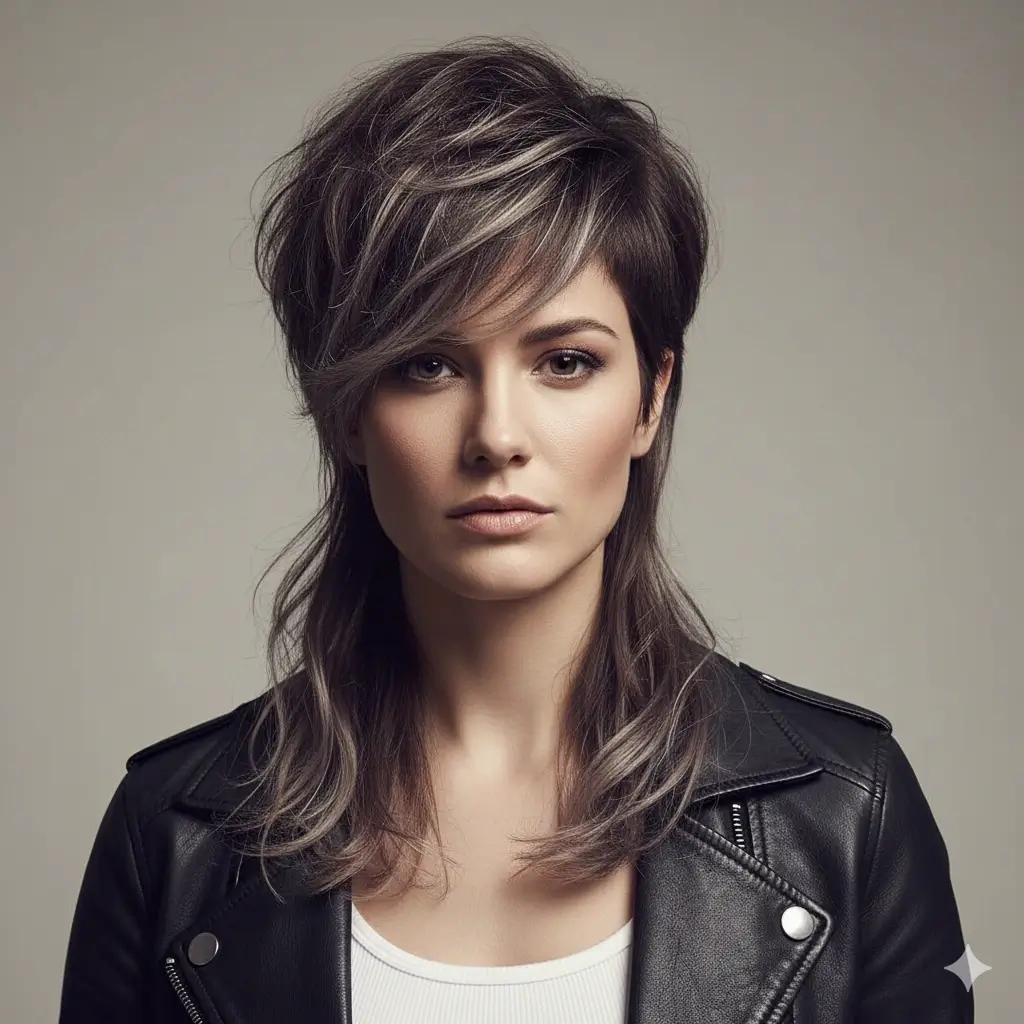
Choose a Women's Hairstyle
Start with the haircut, length, or bangs style you most want to compare
Choose Hair Color
Optional: keep your current color or preview a new shade before you dye anything
Your women's hairstyle preview:
Loading credits...
Each generation costs 2 credits
Preview Women's AI Hairstyles Before You Commit
The highest-intent use case for an AI hairstyle changer for women is simple: see the look on your own face before you cut, color, or book anything. Start with the most common decisions women want to compare first.
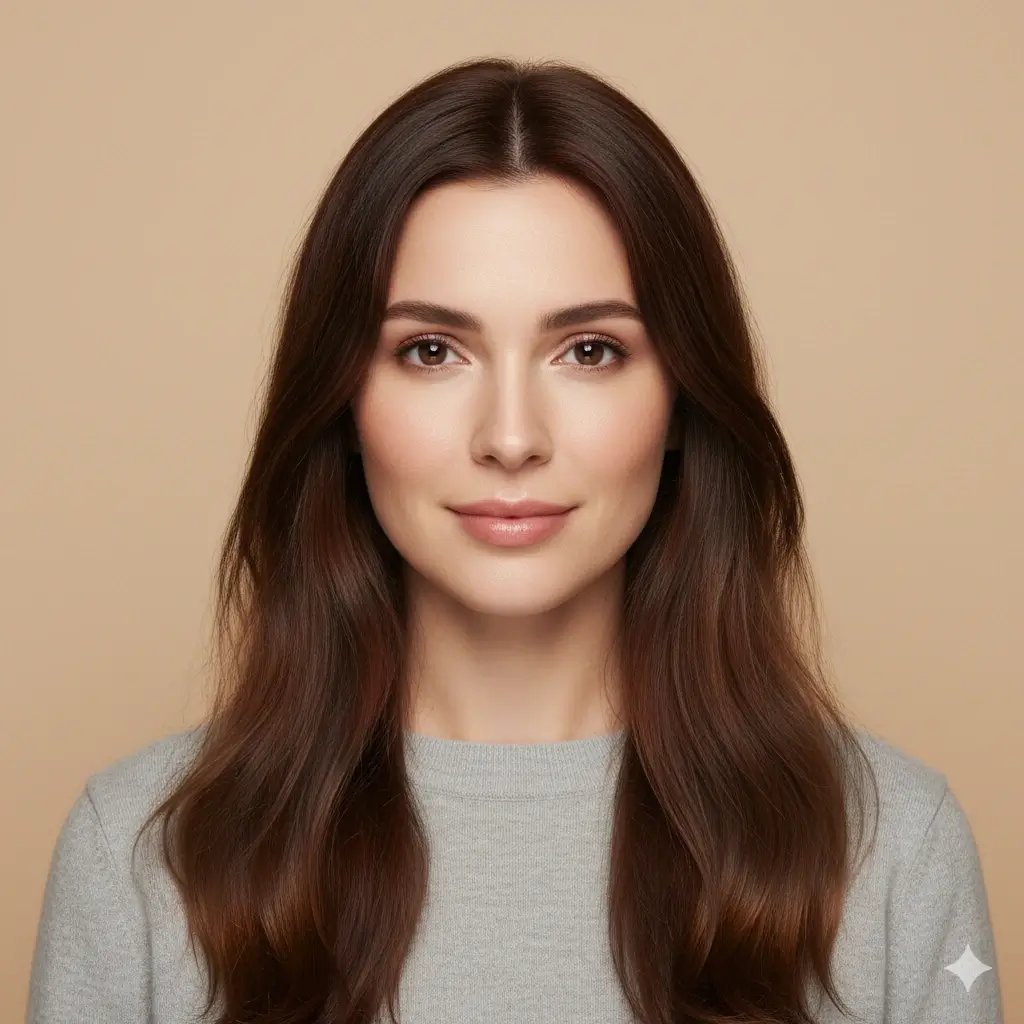
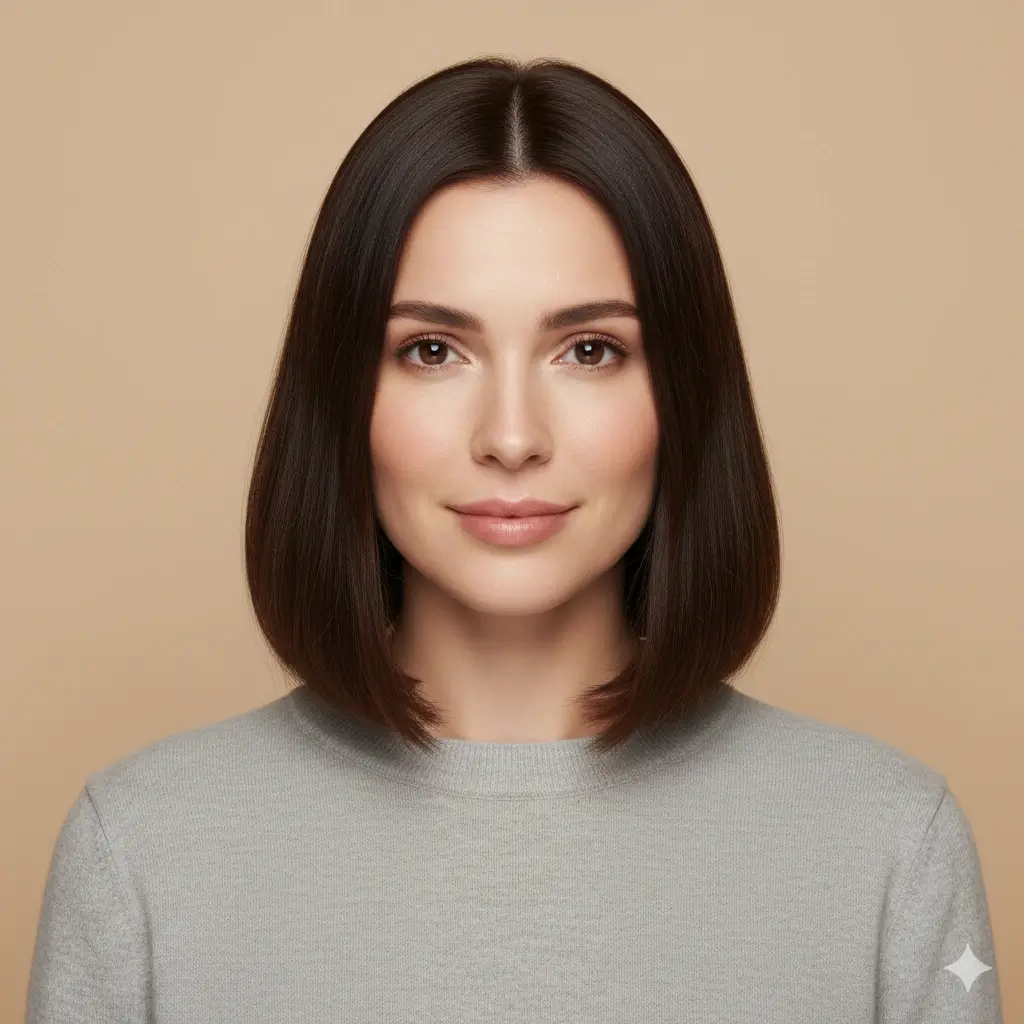
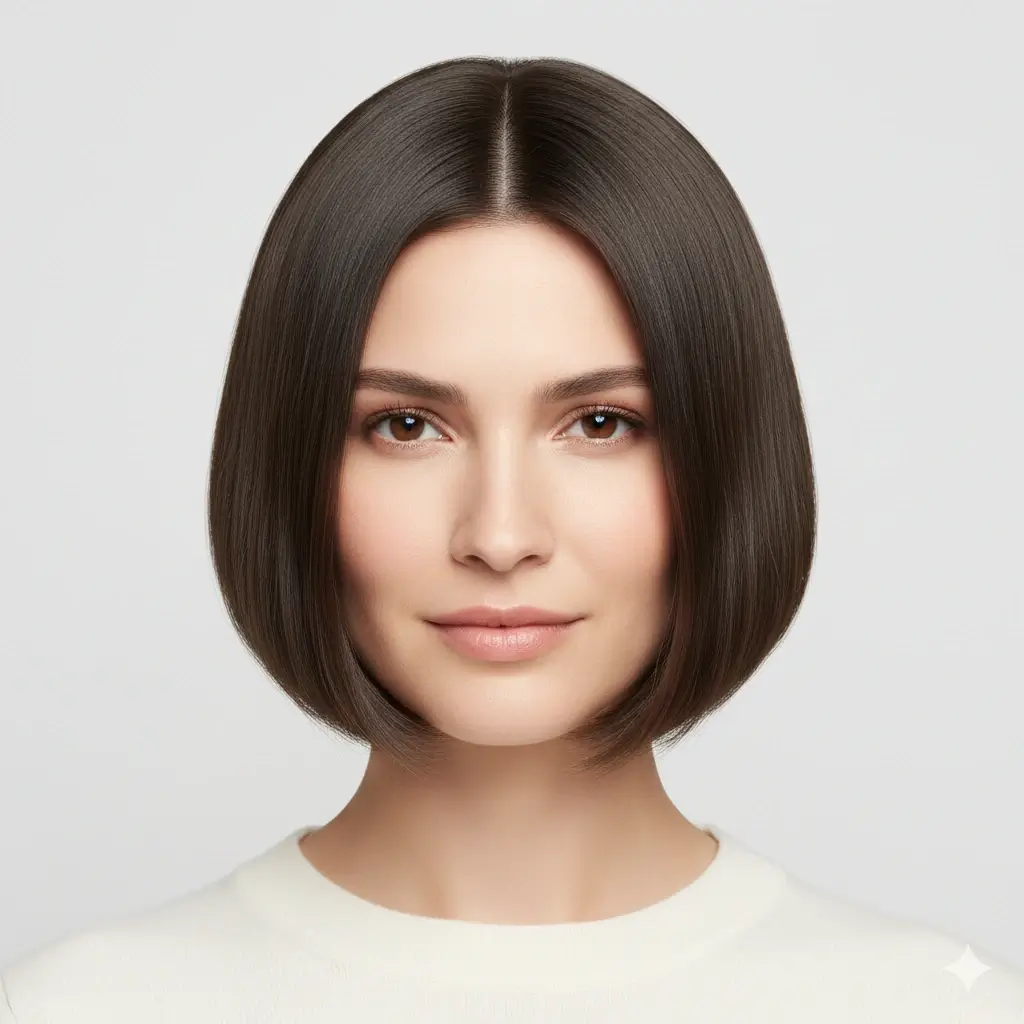
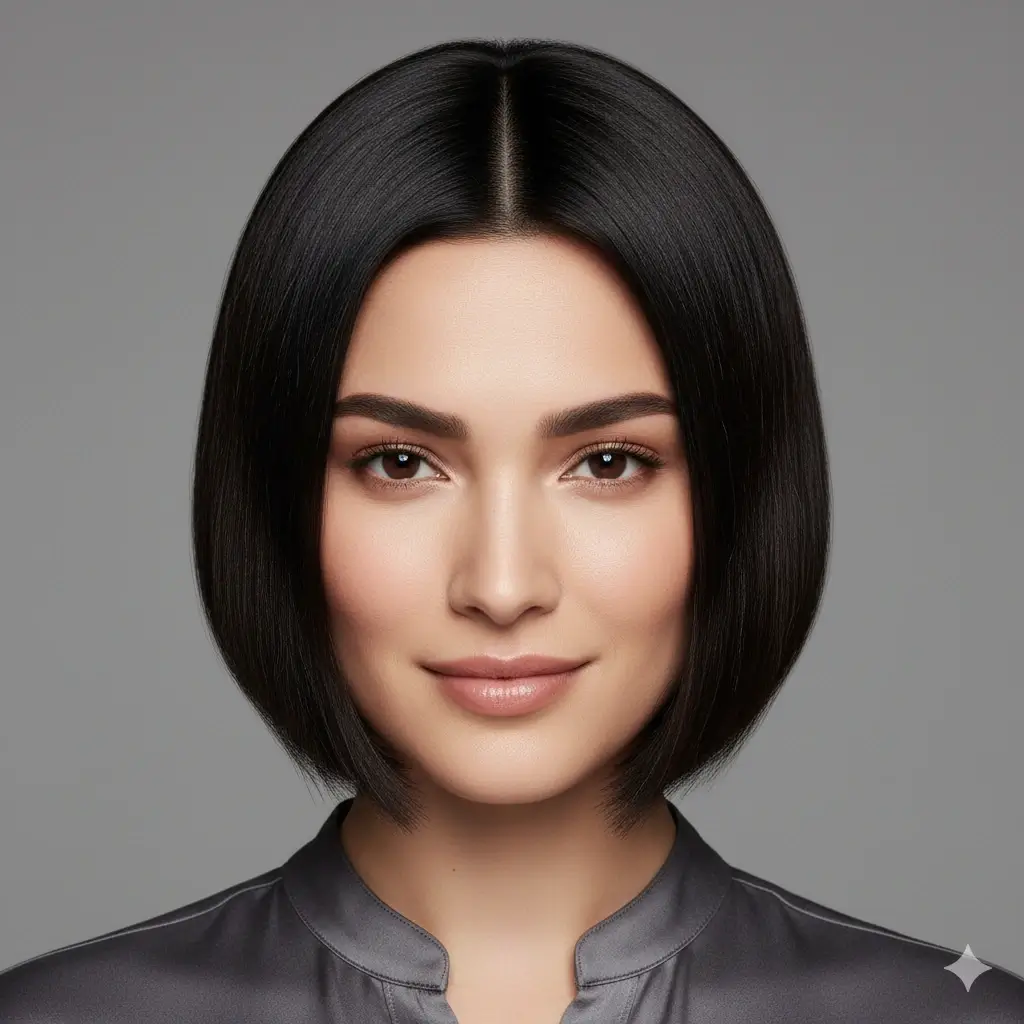
Bob Cut Preview
A bob is one of the most common haircut decisions women test online because it changes length, shape, and face framing all at once.
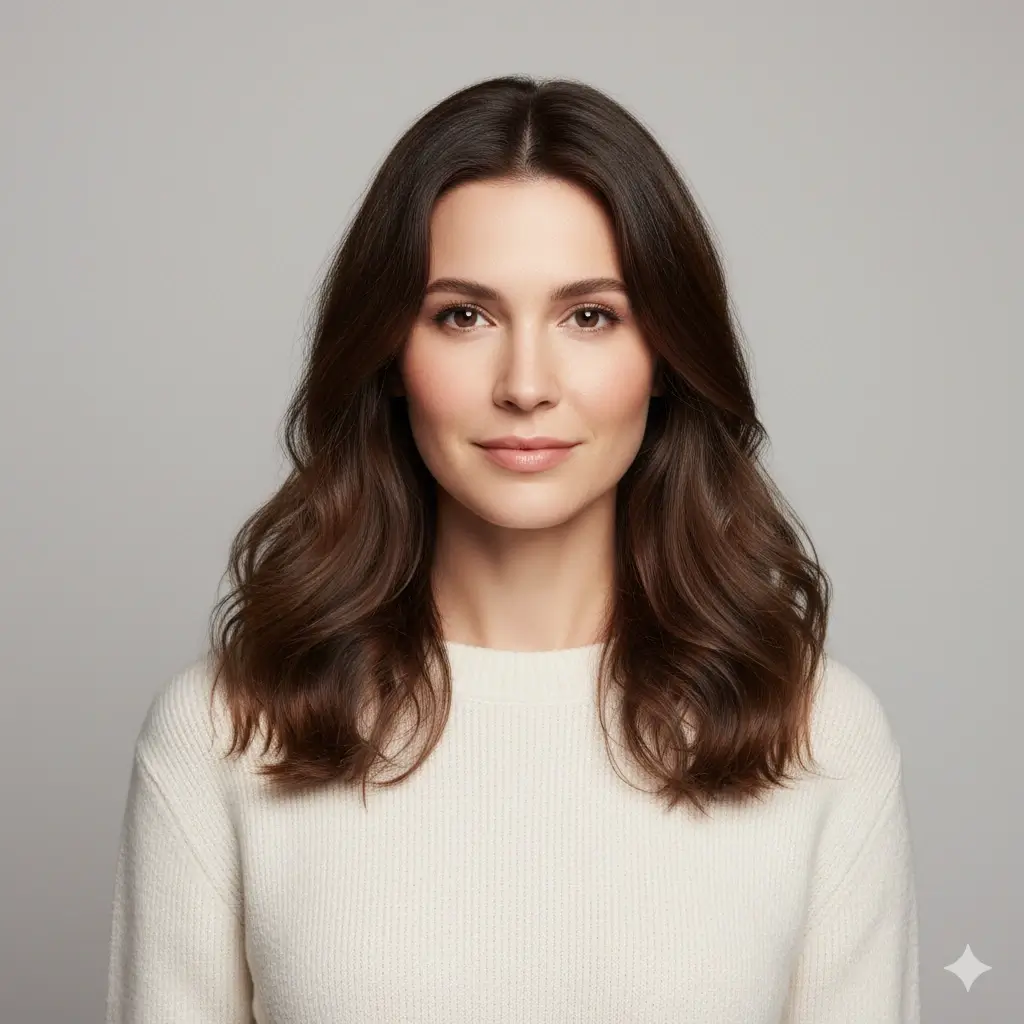
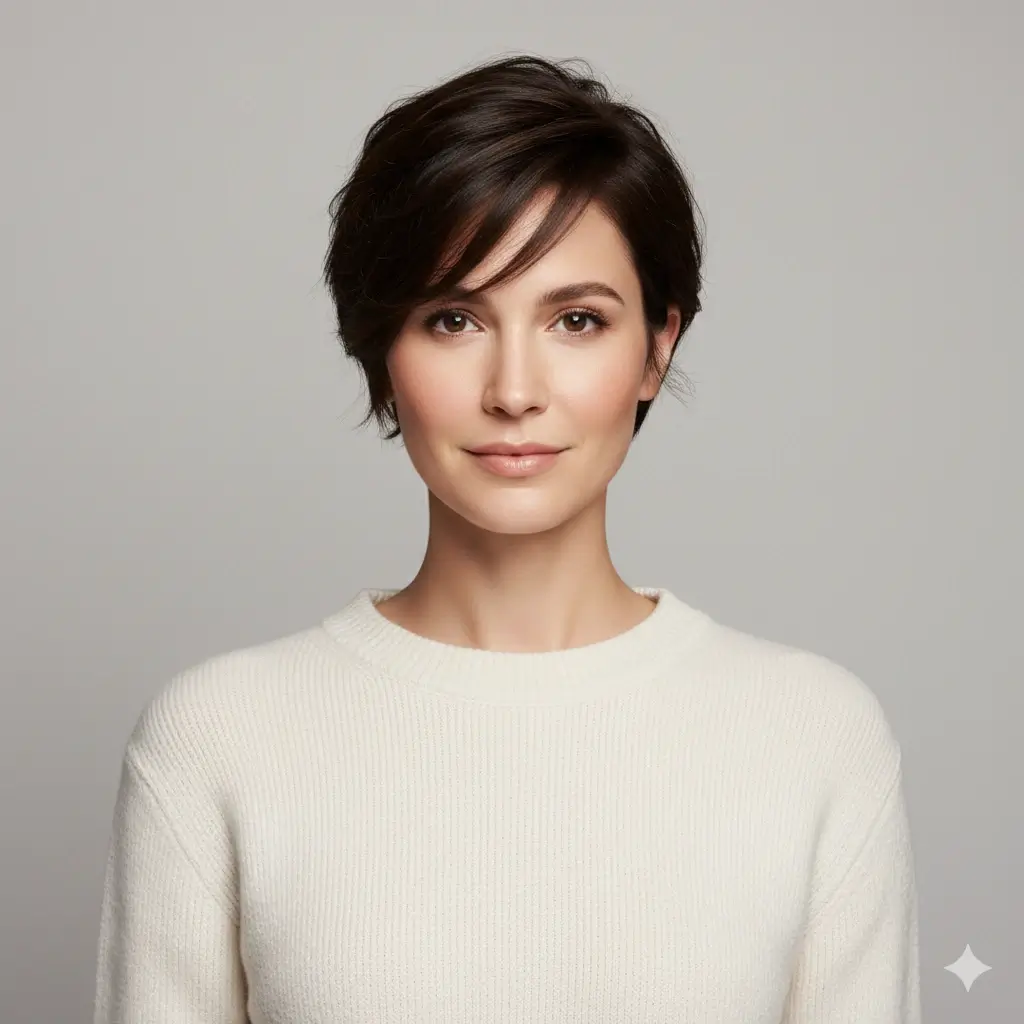
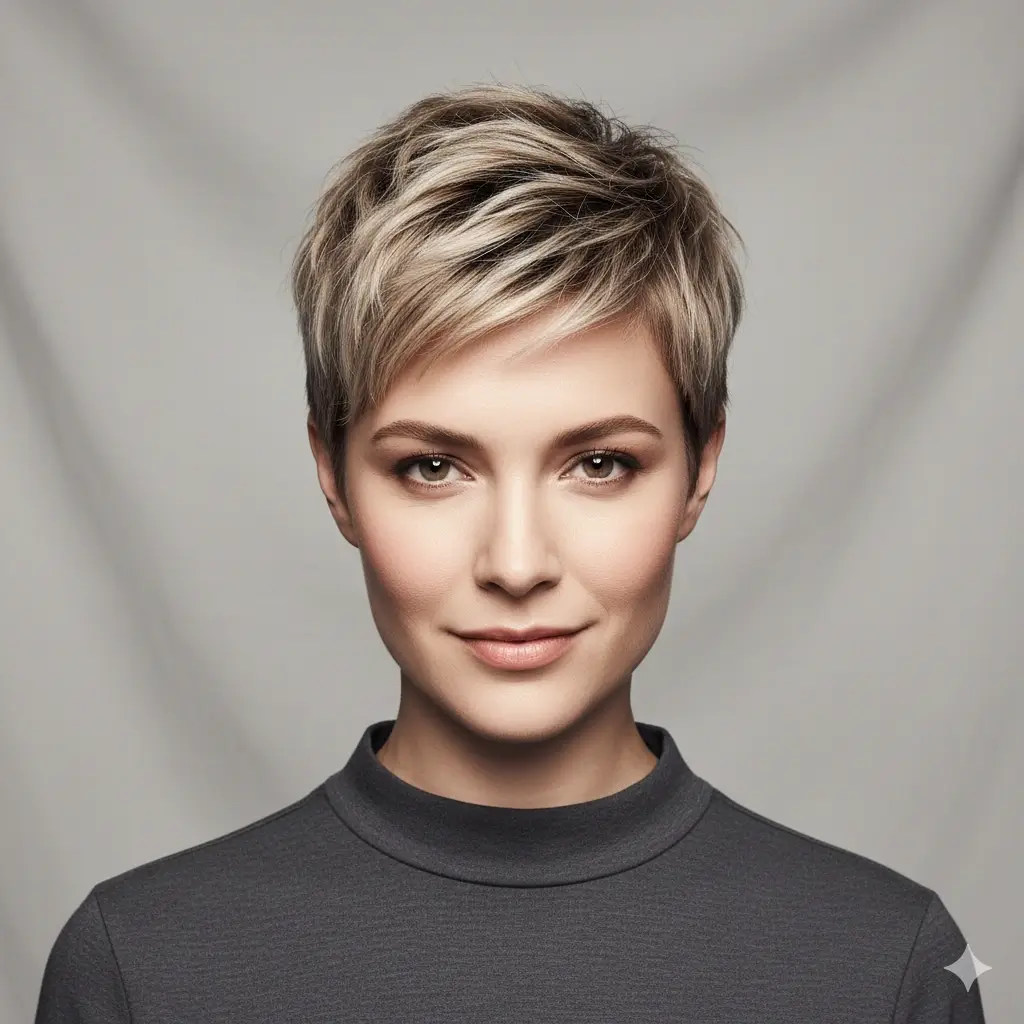
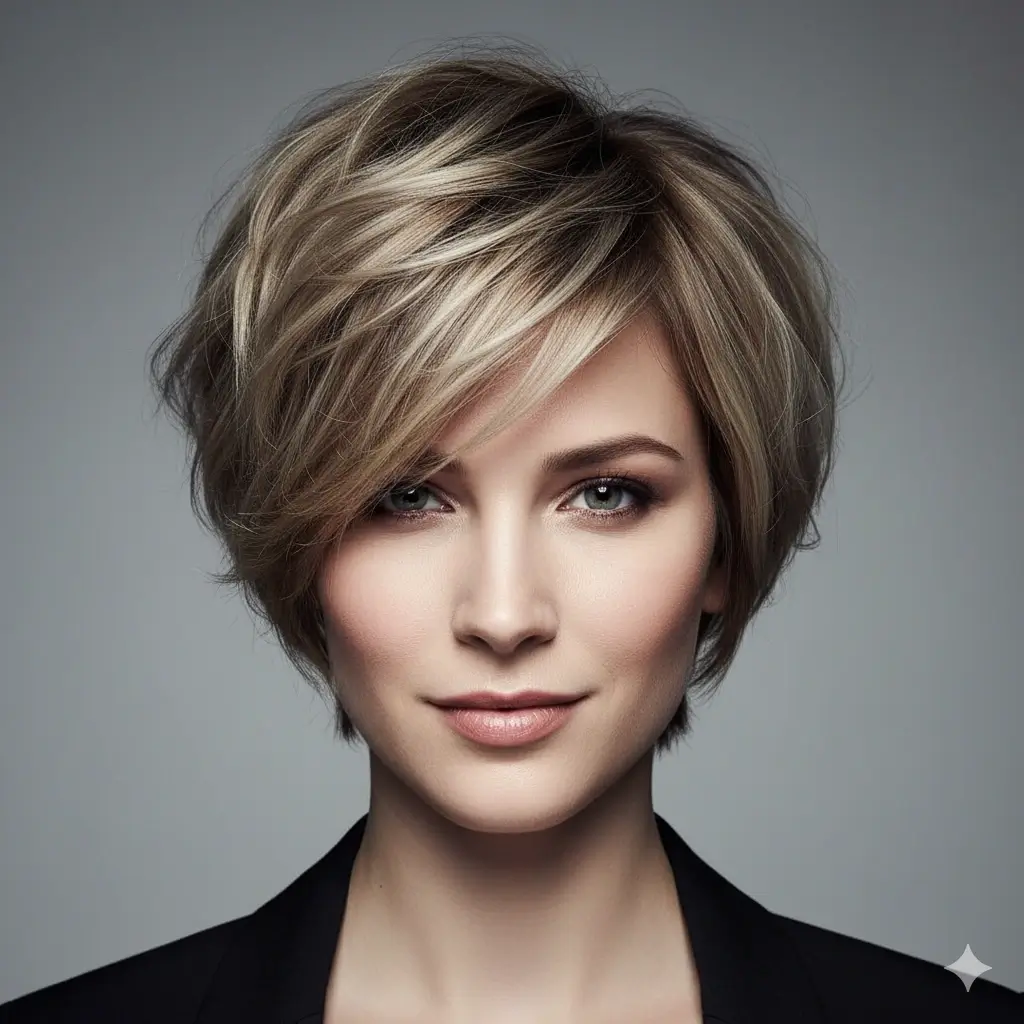
Pixie Cut Preview
A pixie cut helps you answer the biggest short-hair question fast: do you actually like seeing more facial structure and less length?
Long Waves
Useful when you want to keep length but compare softness, volume, and movement around the face.
Lob with Curtain Bangs
A high-intent style for women deciding whether to add bangs without fully committing to a shorter haircut.
Butterfly Cut
A strong option if you want layered length, more lift, and a softer salon-ready shape.
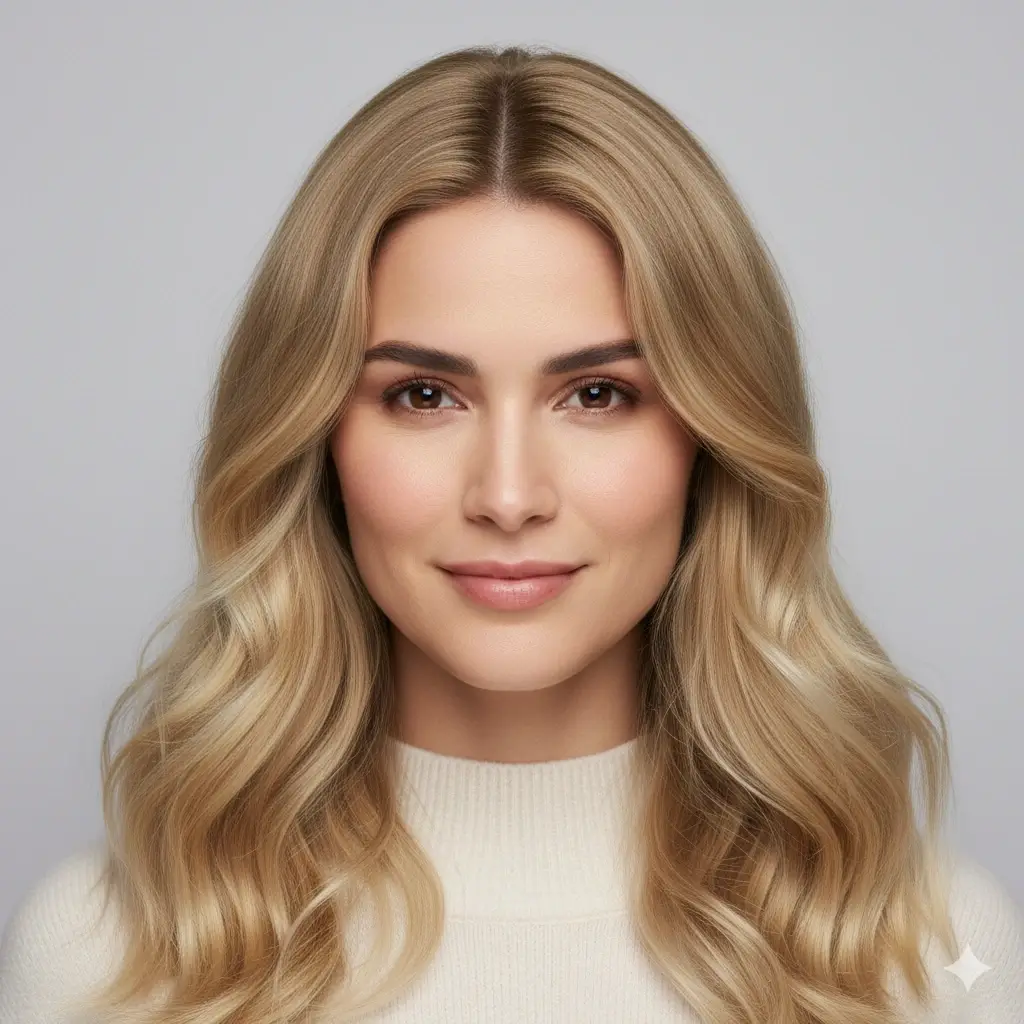
Blonde Hair Color Preview
Try a lighter color on your own photo before you bleach, tone, or book a color appointment.
Use Face Shape to Choose Women's Hairstyles with More Confidence
Women searching for AI hairstyles usually want more than a fun filter. They want to know whether a bob, bangs, layers, or shorter haircut will actually balance their face shape and still feel wearable in real life.
Oval Face Shape
Balanced proportions make oval faces the easiest shape for trying different AI hairstyles.
If your forehead, cheeks, and jawline feel naturally balanced, an AI hairstyle changer for women can help you compare length and personality instead of fixing proportion problems. Oval faces often suit bob cuts, long waves, bixie styles, butterfly cuts, and curtain bangs equally well.
Good styles to test first
Styling tip: Use the tool to compare softness versus structure, not just short versus long.
Round Face Shape
More height, movement, and longer face-framing pieces often create the best balance.
Rounder faces often benefit from layered women’s hairstyles that add vertical direction or leave some length around the face. Long layered hair, butterfly cuts, beach waves, or a wolf cut can add shape without making the silhouette feel wider.
Good styles to test first
Styling tip: Compare styles with lift at the crown and softer pieces around the cheeks.
Square Face Shape
Soft edges, movement, and lighter face framing can keep stronger jawlines feeling balanced.
If your jawline is more defined, women often prefer AI hair styles that add softness rather than more blunt structure. A lob with curtain bangs, beach waves, layered long hair, or a softer bixie can reduce harshness while still feeling polished.
Good styles to test first
Styling tip: Test gentle layers and softer bangs before choosing a very blunt edge.
Heart Face Shape
Balanced width near the jaw and softer fringe options are often the best place to start.
Heart-shaped faces usually have more width in the upper face and less through the jaw. That makes women’s hairstyles with chin-level volume, curtain bangs, or softer layered bobs especially useful to preview. The goal is balance, not hiding your features.
Good styles to test first
Styling tip: See whether a softer fringe gives you better balance than a heavy blunt bang.
How to Try Women's Hairstyles Online in 3 Steps
This AI hairstyle changer for women keeps the process simple so you can compare haircuts, bangs, and hair colors before your next salon appointment.
Upload Your Photo
Start with one clear selfie. A front-facing photo makes it easier for the AI hairstyle changer for women to place a bob, pixie cut, curtain bangs, long layers, or color change in a way that looks realistic enough for decision making.
Choose the Women's Hairstyle to Compare
Test the women’s haircut or style direction you are actually considering in real life. Compare short hair, long hair, bangs, layered styles, trend-led AI hairstyles, or a color change on the same photo instead of guessing from model references.
Review Your AI Hairstyle Result
In about 30-60 seconds you get a hairstyle preview you can save, compare, or show to your hairstylist. That makes it much easier to shortlist looks before you cut or dye anything.
Why Women Use This AI Hairstyle Changer Before a Salon Visit
Compare Hair Length Before You Go Shorter
Many women use an AI hairstyle changer to answer the biggest haircut question first: should I keep my length, try a bob, or go for a pixie? Seeing the change on your own face removes a lot of uncertainty.
Try Bangs Before You Cut Them
Curtain bangs and other face-framing styles are high-intent searches because they change your look fast. This page helps you preview a fringe direction before making the cut.
Preview Hair Color with the Same Style
You can keep your current haircut and test a new shade, or pair a new hairstyle with a new color to see the complete result before a salon appointment.
See AI Hairstyles on Your Own Photo
Model photos are useful for inspiration, but they do not answer whether the style fits your face shape. This AI hairstyle changer for women puts the decision on your photo, not someone else’s.
Works on Phone and Desktop
You can compare women’s hairstyles from mobile or desktop whenever you want to narrow down options, save references, or revisit a color idea.
Private Photo Handling
Your uploaded photo is used only to generate the hairstyle preview, and images are automatically deleted within 24 hours.
Popular Women's Hairstyles Worth Testing First
If you are not sure where to start, group your options by the decision you are trying to make: shorter hair, softer movement, or bangs and face framing.
Short Hair Decisions
Best when you are deciding whether to go shorter and want to compare cleaner shape against softness.
- Pixie Cut for a sharper short-hair change
- Bob Cut for a classic shorter silhouette
- Bixie Cut for a softer mix of pixie and bob
- Blunt Bob for stronger structure
Length, Layers, and Movement
Useful when you want to keep more length but still change the overall shape, volume, or face framing.
- Long Waves for soft movement
- Layered Long Hair for more shape
- Beach Waves for a lighter casual finish
- Butterfly Cut for lift and layered volume
Bangs and Trend-Led Styles
Strong options when you want a more noticeable change without always committing to the shortest cut first.
- Lob with Curtain Bangs for softer fringe
- Wolf Cut for trend-led texture
- Shag Cut for lived-in layers
- Modern Mullet for edge and personality
Bob Cut and Face-Framing Checks
Use this group when the main decision is whether a bob, lob, or fringe will flatter your face before you cut length.
- AI bob cut try on for classic short length and cleaner face framing
- Blunt bob preview for stronger structure and sharper ends
- Lob with curtain bangs if you want a softer change before going shorter
What This Women's Hairstyle Page Helps You Decide
The real value of an AI hairstyle changer for women is not just generating pretty results. It helps you make a better haircut or color decision with less regret and a much clearer salon reference.
See the Haircut Before You Cut Your Hair
Whether you are thinking about a bob, pixie cut, bixie, or layered chop, previewing the result first helps you separate curiosity from a style you actually want to wear.
Compare Bangs Without Guesswork
Bangs are one of the most emotional haircut decisions because they change your whole face framing. Testing a fringe direction first gives you a safer way to decide.
Reduce Salon Trial and Error
Trying AI hairstyles on your own photo first can save money, save time, and stop you from paying for a cut or color that never really matched what you imagined.
Bring a Better Reference to Your Hairstylist
A saved result gives your stylist something much more specific than a random inspiration photo. It shows the look on your face shape, with your proportions, and with your preferred color direction.
FAQ About Our AI Hairstyle Changer for Women
These are the questions women usually ask before trying bangs, shorter hair, layered cuts, or a new color online.
Ready to Try Women's Hairstyles on Your Own Photo?
Upload one photo, compare bangs, bob cuts, long layers, waves, and color ideas, then keep the preview that feels right before your next salon appointment.
Use our AI hairstyle changer for women to compare bob cuts, pixie cuts, long waves, layered hair, curtain bangs, and trend-led AI hairstyles on your own photo. If you are searching for ai hairstyle changer women, free ai hairstyle female options, or realistic ai hair styles before a haircut or color appointment, this page is designed for that decision. Try women’s hairstyles online, compare face-framing options, preview hair color, and bring a stronger reference image to your hairstylist. The page now specifically supports AI bob cut try on intent with bob, blunt bob, lob, bangs, photo quality, output expectations, and salon reference guidance.