
Which AI Can Make a Person Have Different Hairstyles?
The best answer depends on the decision you need to make. A browser photo editor is useful for a realistic before-and-after, a prompt editor gives you precise wording, a filter is fast for a first impression, and a recommender helps when you do not know where to start.
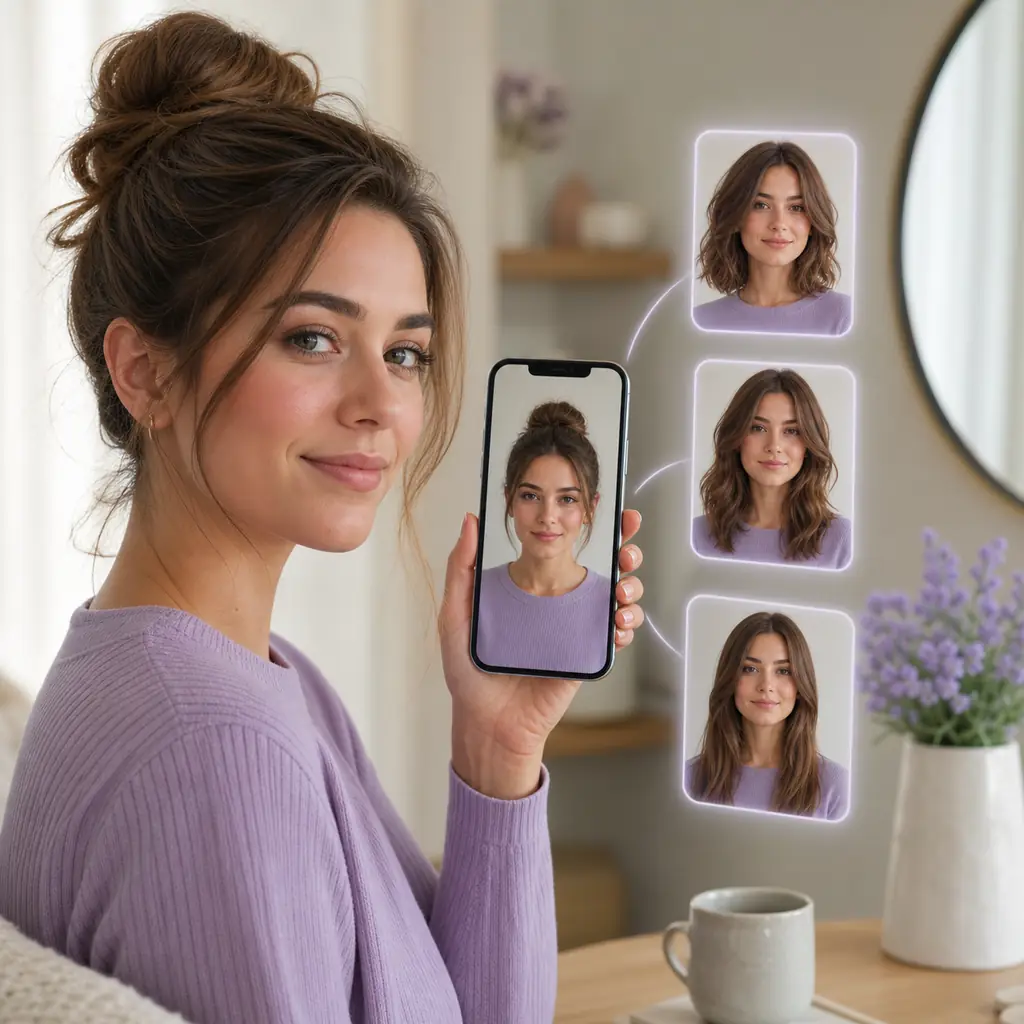
Direct answer: which AI can change a person's hairstyle?
The most useful AI for changing a person's hairstyle is a photo based AI hairstyle changer that preserves the face, hairline, and lighting while it rebuilds the hair area. It lets you compare a bob, layers, bangs, curls, a fade, or a new color on the same portrait. If you already know the look you want, a prompt based editor can be more flexible. If you only want a quick idea, a fixed haircut filter is faster but usually less precise.
When someone asks which AI can make a person have different hairstyles, they are usually asking for a practical way to see options before a real cut. Start with the smallest decision that will help: short versus medium length, open forehead versus bangs, or natural versus bold color. Pick the workflow that gives a clear result and an honest free path, then use a stylist to adapt the reference to your actual density, texture, and maintenance routine.
Match the AI hairstyle workflow to your goal
The label matters less than the input, the processing step, and the result you can actually use.
| AI workflow | Best use | What you may get for free | Watch for |
|---|---|---|---|
| Browser photo editor | Compare several cuts, lengths, textures, or colors on your own face | One or a few previews, sometimes with credits or a watermark | Upload retention, queue time, export limits, and whether the hairline stays stable |
| Prompt based image editor | Describe a specific look such as a shoulder length bob with curtain bangs | A trial allowance or a small daily generation limit | The face, background, or clothing can drift if the prompt is too broad |
| Live hairstyle filter | Get an instant first impression of bangs, color, or a broad cut category | Real time presets inside a camera or browser experience | A fixed overlay may not show real length, density, or side shape |
| Hairstyle recommender | Get a shortlist when you do not know which cut fits your goals | A questionnaire, face shape suggestion, or a few example styles | A recommendation is a starting point, not a measurement of your hair or a guaranteed fit |
| Local editing workflow | Process portraits on your own computer after setup | Open tools without a per-image credit charge | Hardware, installation, storage, and maintenance can outweigh the privacy benefit for a single test |
What to check before trusting a hairstyle preview
A polished image is not automatically a useful haircut reference. Check the parts that affect a real decision.
- Identity and edges. Your face, skin tone, expression, ears, and background should remain recognizable. Zoom in around the temples, forehead, and jaw because weak masking often appears at the hairline before it is visible elsewhere.
- Control over the change. Look for controls or prompt guidance for length, fringe, texture, volume, and color. The ability to compare three related styles from one photo is more valuable than a long list of unrelated presets.
- A real free path. Check whether the preview is generated or only an overlay, whether an account is needed, and whether saving consumes another credit. Free access can mean a limited trial rather than unlimited exports.
- Input guidance. Good tools explain how to use a front facing, well lit photo with a visible hairline. This guidance improves the comparison and tells you whether the product understands its own limitations.
- Privacy clarity. Read the upload, retention, deletion, training, and third party sharing language before sending a face photo. A clear privacy policy is a practical feature, especially when the tool is free.
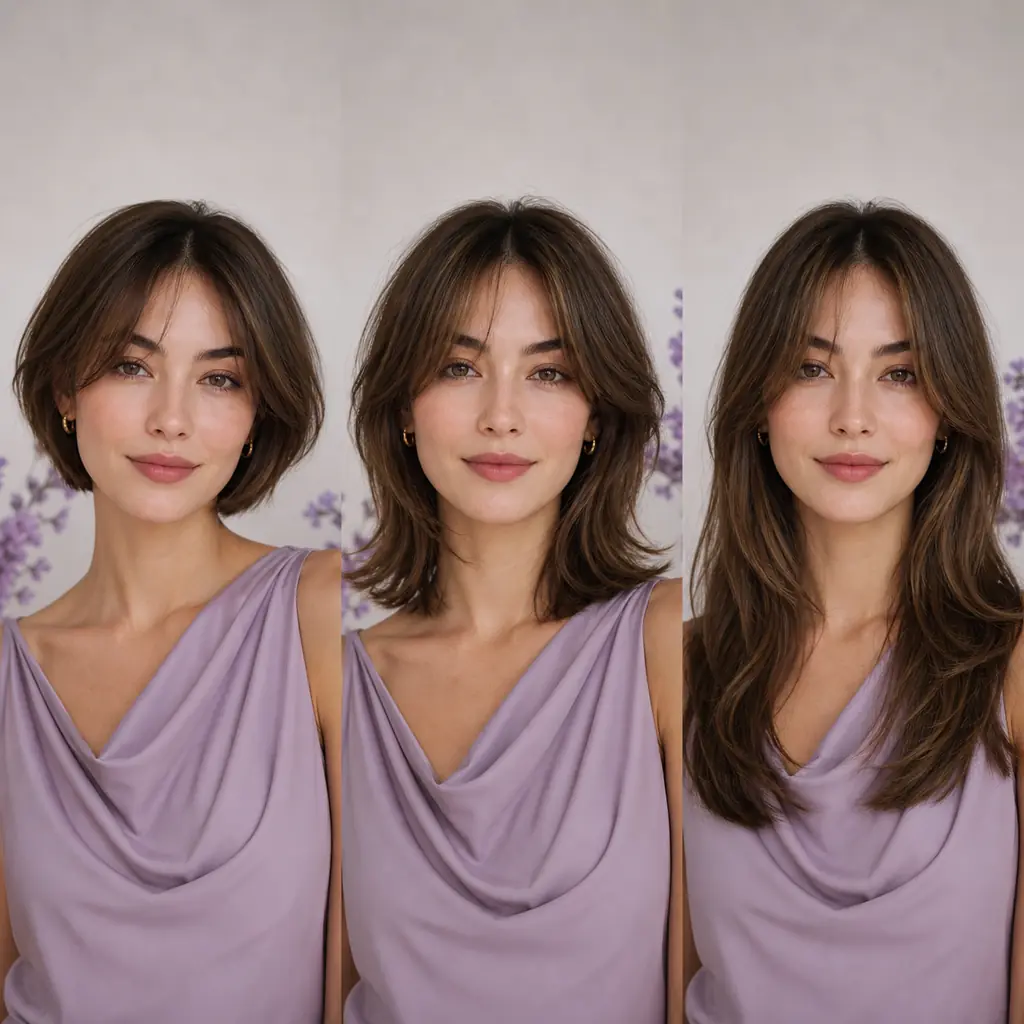
Which AI hairstyle workflow fits your situation?
Use the smallest tool that answers your actual question. You can switch workflows after you know what needs to change.
1Best for a serious haircut decision: a browser photo editor
Choose a browser AI hairstyle changer when you want a recognizable reference for a salon or barber conversation. Upload one portrait, compare a safe option with a bolder change, and keep the result that shows length, outline, fringe, and texture clearly. A browser workflow is convenient on a phone or desktop and does not require an install.
Best for: comparing realistic directions before cutting real length.
2Best for a very specific look: a prompt editor
Use a prompt editor when the style is easier to describe than to find in a menu. Mention the length, shape, fringe, texture, parting, color, and the fact that the face and background should stay unchanged. Keep the request focused on hair; adding makeup, clothing, lighting, and a new setting in the same prompt makes it harder to tell whether the hairstyle worked.
Best for: custom cuts that are missing from a preset catalog.
3Best for a fast first impression: a live filter
A live filter is helpful when you want to reject an idea quickly. It can show whether a general category such as bangs, a bob, or a bright color feels appealing before you spend time generating a more detailed image. Treat the overlay as a sketch because it may not model shrinkage, density, the back of the head, or the real weight of a cut.
Best for: quick browsing and low commitment experiments.
4Best when you have no starting point: a hairstyle recommender
A recommender can turn face shape, hair texture, current length, upkeep tolerance, and style goals into a shortlist. Use it to choose three directions, then preview those directions on the same photo. Recommendations are most useful when they explain why a cut might work and what maintenance it asks from you.
Best for: narrowing a large choice before you edit a photo.
5Best for repeat privacy focused use: a local workflow
A local editor may keep the photo on your device after setup, which can matter if you process many personal portraits. The trade-off is time, hardware, storage, and technical maintenance. For one casual preview, a clear web privacy policy may be a more practical choice than installing a full local stack.
Best for: repeat users who can support the setup.
6Best final answer: the clearest salon reference
The best AI is the workflow that leaves you with a useful reference, not the most dramatic render. Save two or three images and annotate the parts you like: length, fringe, layers, texture, color, and upkeep. A professional can then adapt the idea to your density, growth direction, hairline, and schedule.
Best for: turning a digital idea into a realistic haircut conversation.
A repeatable way to test an AI hairstyle changer
A simple test keeps the photo, the question, and the comparison consistent across tools.
- 1. Prepare one neutral portrait. Use even front facing light, a visible forehead and jawline, a simple background, and a camera angle close to eye level. Remove hats, dark glasses, heavy beauty filters, and anything that hides the hairline.
- 2. Write one hairstyle question. Ask for one main change, such as a shoulder length layered bob with soft curtain bangs. Add a short instruction to preserve your face, expression, skin tone, and background. A focused request makes errors easier to spot.
- 3. Compare nearby options. Generate or select two or three directions that answer the same question. Compare the outline, hairline, face framing, texture, and color instead of choosing the image with the most dramatic lighting.
- 4. Check the cost and data path. Before generating many versions, note credits, account requirements, watermarks, export rules, storage, deletion, and training language. A free preview is useful only when you understand what happens to the upload.
- 5. Turn the result into a reference. Keep the clearest image, write down what to preserve and what to change, and show it to a stylist or barber. Ask how the cut would work with your real density, curl pattern, hairline, and maintenance routine.
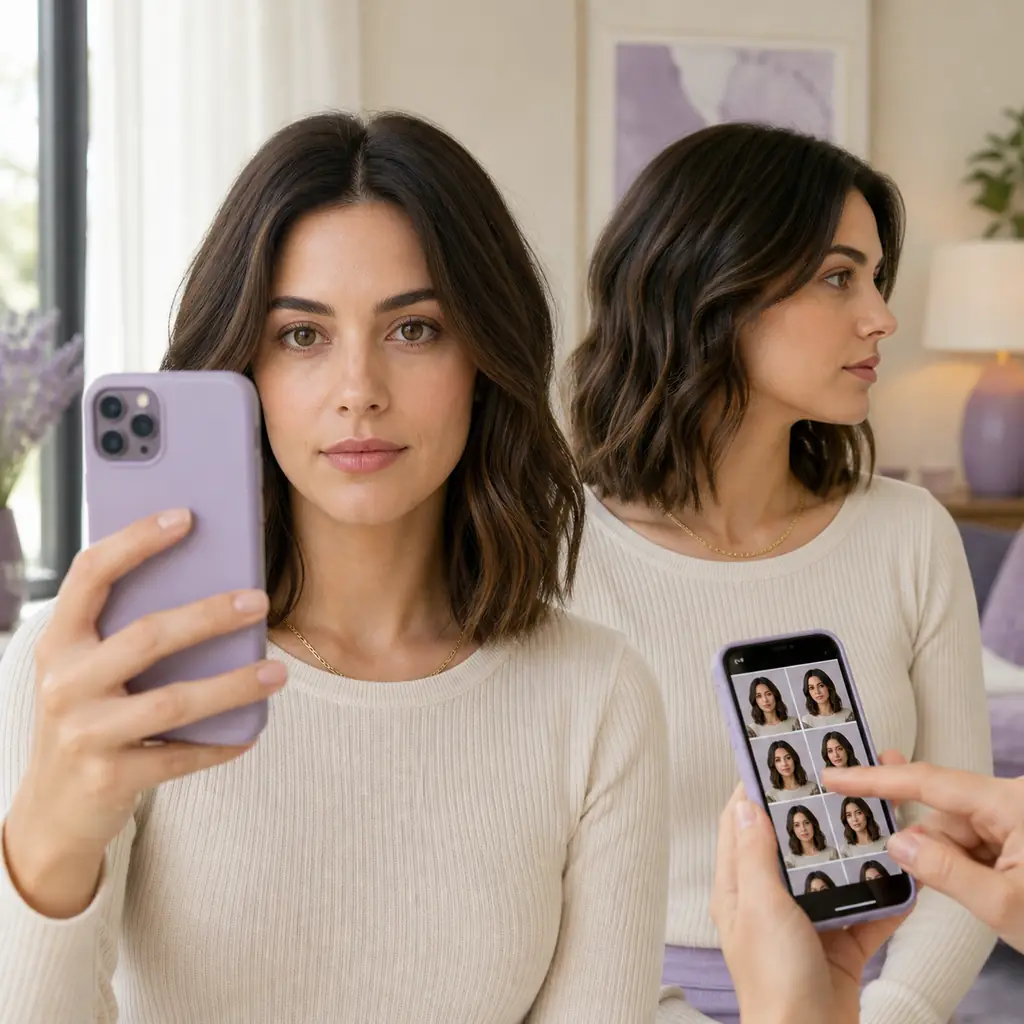
Accuracy, privacy, and practical limits
An AI hairstyle changer is a visualization tool, not a promise about a physical haircut. Hair density, curl pattern, growth direction, shrinkage, products, color history, and cutting technique affect the final result. A front facing portrait also hides the nape and sides, so a generated image is not a complete consultation.
If the hairline, ears, or face changes between outputs, treat the image as an idea rather than evidence. Try a clearer photo, shorten the prompt, or compare a fixed filter with a photo editor. A consistent failure is useful information: it may tell you that the workflow is not suited to a high change style or an unusual angle.
Before uploading a personal portrait, review the service privacy policy and account terms. Look for storage duration, deletion controls, model training use, third party sharing, and whether an account can access the image later. If the answer is vague, do not upload a photo that you would not want processed online.
Free offers, credit counts, export resolution, queue priority, and sign up rules change. Recheck the official product page when you are ready to upload, and describe the date you tested the workflow if you share a result. The goal is a clear decision, not a permanent ranking of changing products.
Which AI can make a person have different hairstyles? FAQ
Which AI can make a person have different hairstyles in a photo?
Use a photo based AI hairstyle changer when you want to compare several lengths, cuts, textures, or colors on one portrait. A prompt editor is useful for a highly specific look, while a filter is faster but usually less detailed.
Can AI change only the hair and keep my face?
Many photo editors are designed to preserve the face and alter the hair region, but results vary. Use a clear front facing photo, ask the tool to preserve your identity and background, and inspect the hairline, ears, skin tone, and expression before trusting the preview.
What prompt should I use to try a different hairstyle?
Describe one cut with its length, shape, fringe, texture, parting, and color. For example, ask for a shoulder length layered bob with soft curtain bangs and natural brown hair, then tell the editor to keep your face, expression, clothing, and background unchanged.
Is an AI hairstyle generator the same as a haircut filter?
No. A generator or photo editor may rebuild the hair and adapt the silhouette, while a filter often applies a fixed overlay or preset effect. Use the filter for a quick impression and the generator when the decision involves length, shape, texture, or a salon reference.
Can I use a free AI hairstyle changer without an account?
Some services offer a limited preview without an account, while others require sign in or credits before export. Check the current upload, account, watermark, and deletion terms on the official page instead of assuming that the word free means unlimited use.
Will an AI hairstyle preview look exactly like my haircut?
No. The image can help you compare direction and communicate an idea, but it cannot reproduce every detail of density, curl behavior, growth pattern, the back of the head, or a stylist's technique. Bring more than one reference to a professional.
What is the best photo for trying different hairstyles with AI?
Choose a recent, front facing portrait with even light, a visible hairline, a simple background, and no hat, sunglasses, extreme angle, or heavy filter. Use the same photo for each option so the hairstyle remains the main variable.
Ready to compare a different hairstyle?
Start with one clear portrait, test the decision that matters most, and keep the reference that a stylist can actually use.
Open the Virtual Hairstyle Try OnA useful AI hairstyle preview keeps your face recognizable, makes the change easy to compare, and leaves the final haircut decision with you and your stylist.